Upgrade today for only €1/month and unlock Extractor & Reader
Save up to 50% with our yearly plan.
Read. Highlight. Organize. Export.
Quick Highlight Extraction Tool
Extract highlighted text with comments and colors from PDF files.
readoku Reader - Organize Highlights
Designed for web highlighting and organizing highlights.
readoku reader
Organize Your Highlights with the Reader
Highlight, annotate, and jump between highlights instantly.
More from reader
More Reader Features to Keep You In The Flow
Organize files with colorful tags, navigate through highlights with ease, extract highlights just right there.
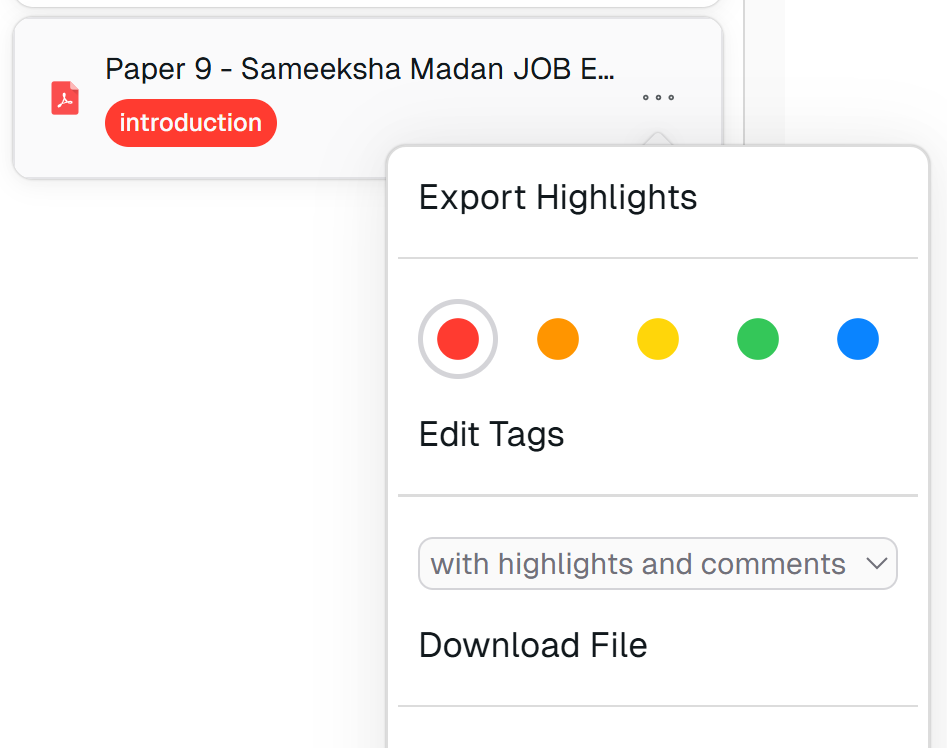
Use tags to organize files
You can tag files and folders to make them easier to find. You can also edit tags and give custom names to make them more structured.
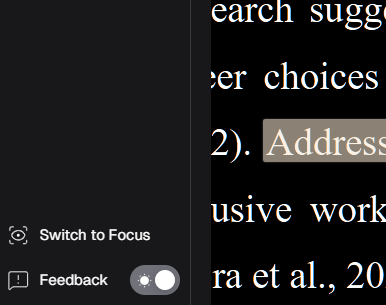
Switch between light and dark mode
Cheange between light and dark mode based on your preference for a comfortable reading experience.
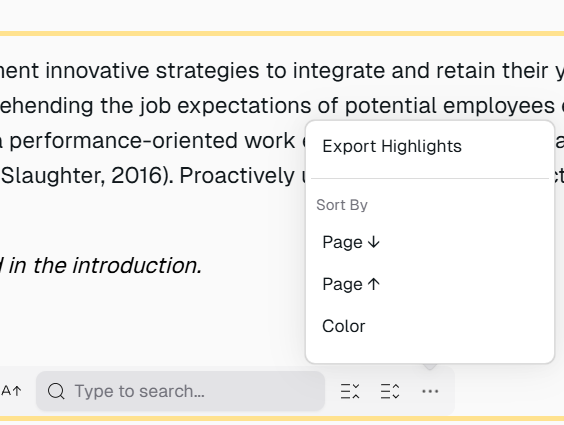
Make use of your highlights
You can search keywords within your highlights and comments. Easily navigate and sort functions to find what you need.
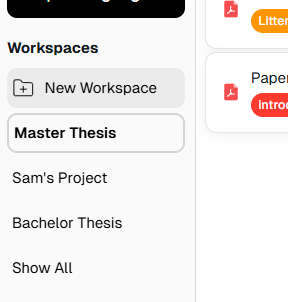
Create workspaces to organize files
Workspaces help you keep related files together. You can create workspaces for different projects or topics to stay organized.
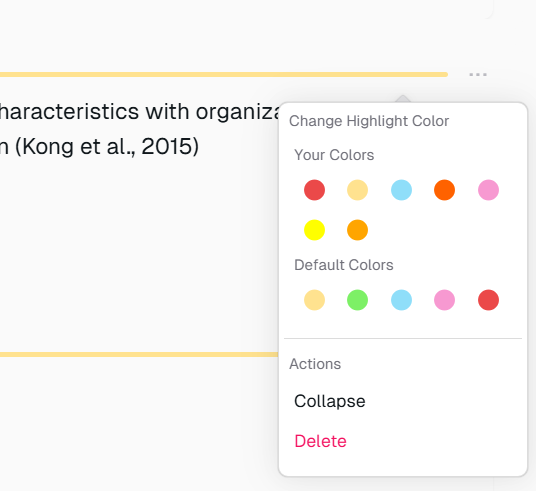
Bring your own highlight colors
The highlight color differs at every PDF reader. But we also import your existing highlight colors.
Use tags to organize files
You can tag files and folders to make them easier to find. You can also edit tags and give custom names to make them more structured.
Switch between light and dark mode
Cheange between light and dark mode based on your preference for a comfortable reading experience.
Make use of your highlights
You can search keywords within your highlights and comments. Easily navigate and sort functions to find what you need.
Create workspaces to organize files
Workspaces help you keep related files together. You can create workspaces for different projects or topics to stay organized.
Bring your own highlight colors
The highlight color differs at every PDF reader. But we also import your existing highlight colors.
Use tags to organize files
You can tag files and folders to make them easier to find. You can also edit tags and give custom names to make them more structured.
Switch between light and dark mode
Cheange between light and dark mode based on your preference for a comfortable reading experience.
Make use of your highlights
You can search keywords within your highlights and comments. Easily navigate and sort functions to find what you need.
Create workspaces to organize files
Workspaces help you keep related files together. You can create workspaces for different projects or topics to stay organized.
Bring your own highlight colors
The highlight color differs at every PDF reader. But we also import your existing highlight colors.
more of readoku
We have converted files with a total size of MB