Stay More Organized With Colors!
When we’re reading, staying organized can make all the difference in how well we retain information. Many of us underline or highlight text, using different colors to add structure to our thoughts—much like when we first discovered the joy of coloring in books as kids!
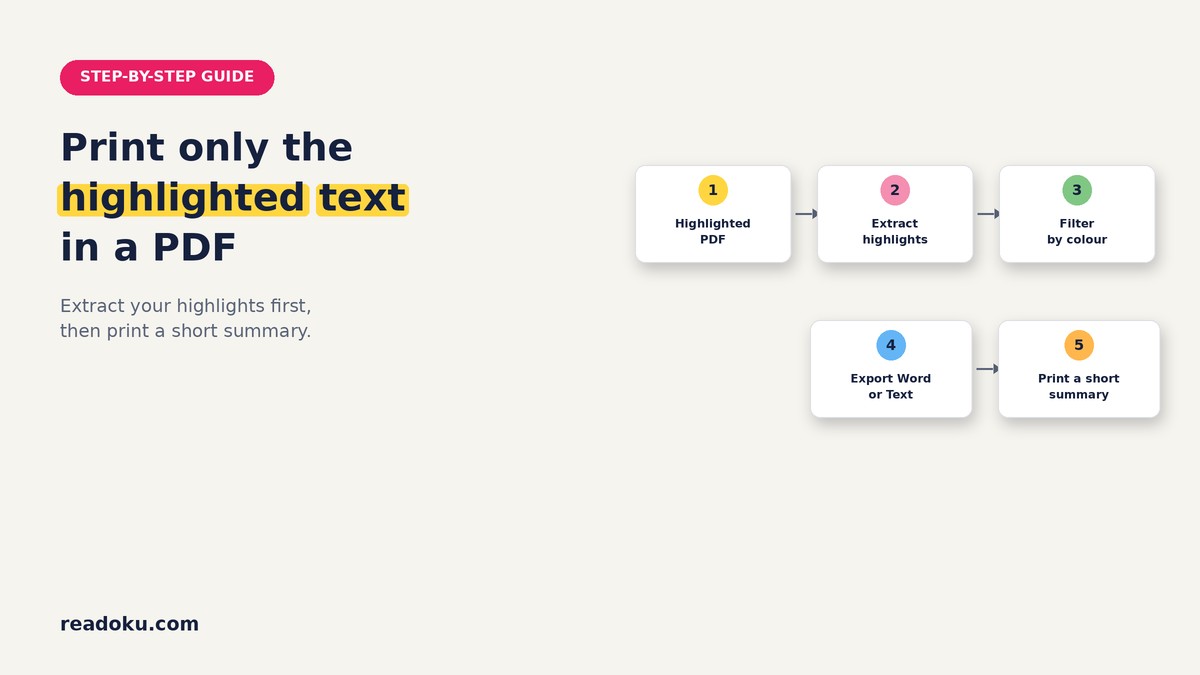
With Readoku’s latest feature, you can now take this organizational power even further. Our platform allows you to extract highlights directly from PDF files, keeping the original colors you used intact. Not only that, but you can easily sort and group these highlights by color, letting you categorize your ideas in a way that’s intuitive and visually impactful.
How to Export Highlights with Colors?
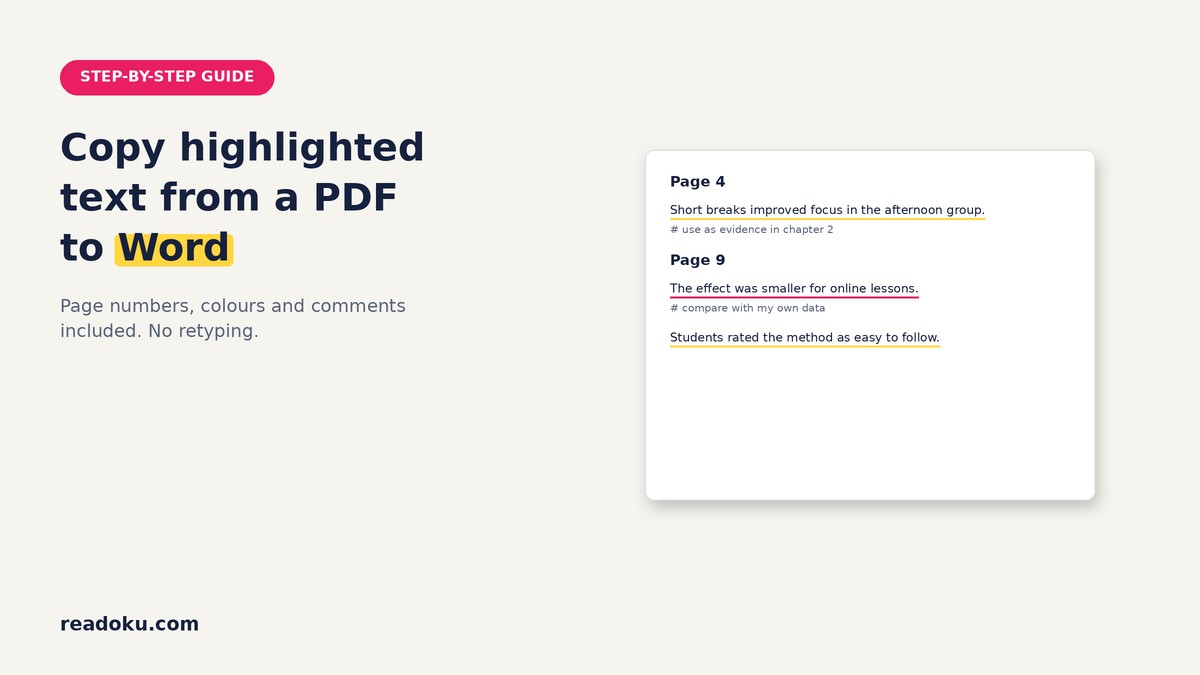
It is just a one click of a button! That's all. We added 'Include Colors' checkbox to activate the exporting highlights from PDF files with their original color that you made with any PDF reader application.
 The highlights will from the PDF files will be shown as underlined with their corresponding colors. Once you export the highlights from PDF files to Word format, it will be editiable in a Word processor application.
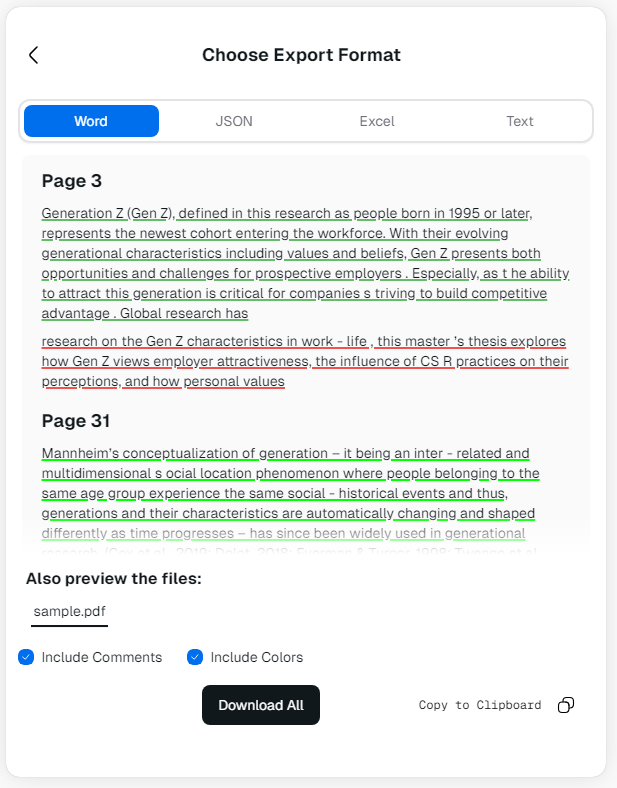 This feature is especially helpful for organizing lengthy, complex readings. Imagine going through a technical manual, academic paper, or a dense report; color-coded highlights allow you to quickly scan for important concepts, examples, or references. You can then group these into cohesive summaries or outlines, reinforcing your understanding and making future reviews easier and faster.
Export Highlights to JSON Format
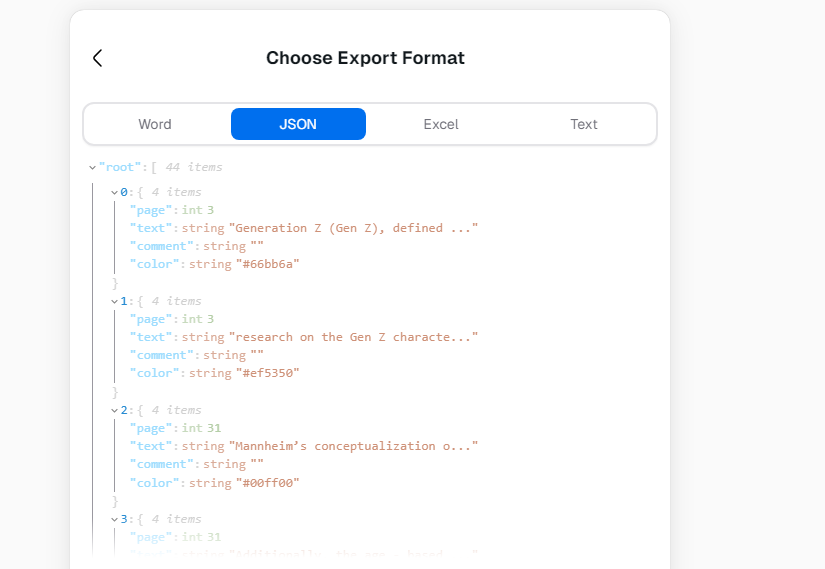
Exporting highlights on Readoku isn’t limited to just Word format; now, you can also export highlighted text from PDFs, complete with its original colors, into JSON format. JSON, being a text-based format, is widely compatible and easy to work with, making it perfect for users who need to handle or store data programmatically. In JSON, colors are represented with their hex codes, so you can maintain precise color information for each highlight, as shown in the example below.
 ### Export Highlights to Excel
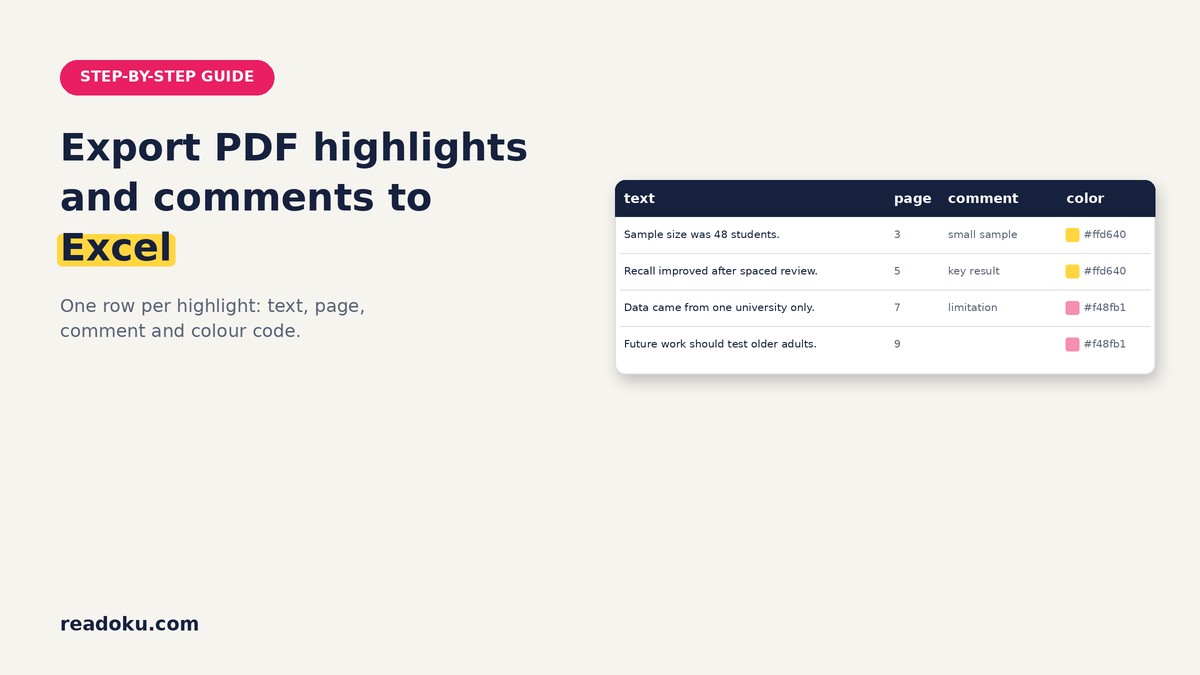
Altough you see the exported highlights preview with color, it was difficult for us to build an Excel cell filled with color because of API restrictions. But you can still work with colors if you convert the Hex to actual color directly in Excel!
Note on Text Format: Exporting text format will not give you any color, because it is just a text. That is why it is disabled.
At Readoku, we’re all about creating tools that support your learning and productivity. With color-coded highlights and sorting, we’re giving you the tools to create meaningful, structured insights that you can revisit anytime. Try out the new feature today and see how organizing your thoughts can be as easy as adding a splash of color.
Your readoku Team!
Export Your Colored PDF Highlights with Readoku →
Related updates: New Features: Filter Highlights by Color and New Annotation Types and How to Extract Highlights from PDF Online.