What’s New
You can now:
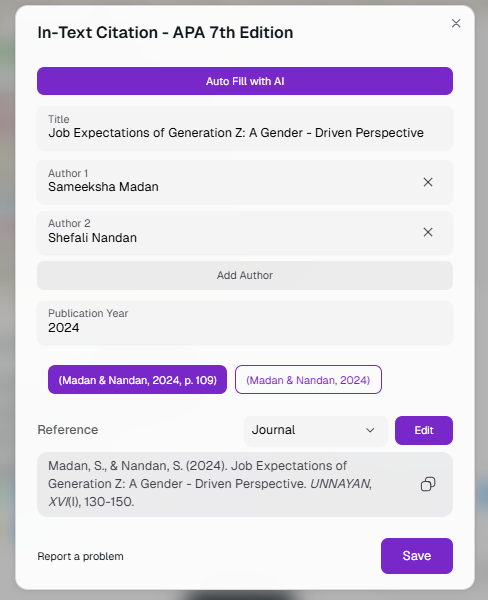
- Add an APA 7 in-text citation to any highlight
- Fill in metadata manually
- Use Auto Fill with AI to extract citation details from the PDF
- Edit authors, year, title, and source information
- Include a reference list automatically when exporting
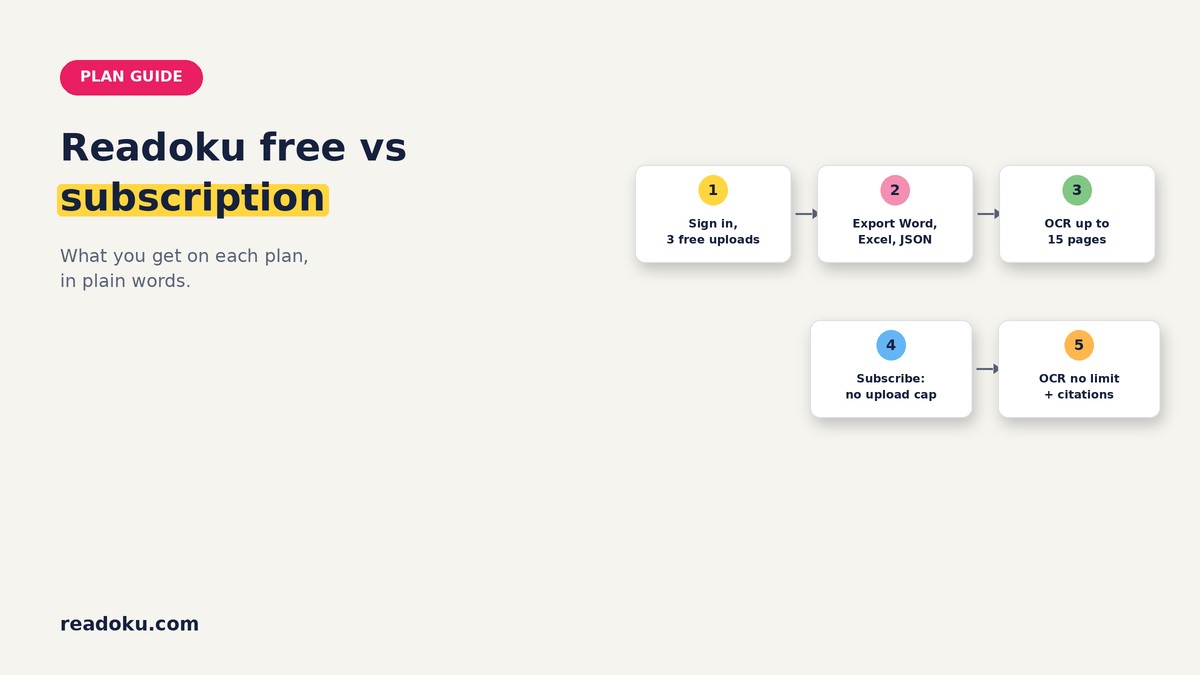
Each highlight can carry its own citation. In-text citations are a subscription feature. Auto Fill sends short PDF excerpts to an external AI provider.
AI Metadata Extraction
With one click, Readoku can extract:
- Author names
- Publication year
- Title
- Journal or source
- Volume and page range
You can review and edit everything before saving.
Real Page Number Detection
Readoku detects the actual printed page number inside the document, not just the PDF viewer index.
This ensures your in-text citation reflects the correct page as shown in the article.
Export with References
When exporting your highlights, you can choose to:
- Include in-text citations
- Automatically generate the full reference list
Your export file will contain:
- Highlighted text
- Corresponding in-text citations
- A formatted reference section
This feature integrates citation directly into your reading workflow — making it easier to move from highlighted text to properly referenced writing.
Extract PDF Highlights & In-Text Citations with Readoku →
Need a quick refresher on APA formatting? Check out our APA In-Text Citation Guide (7th Edition) and APA Reference List Guide (7th Edition).