A literature review is mostly reading, and then finding again what you read. If you want to save time on your literature review, the biggest win is not reading faster. It's never copying a highlight by hand again. This walkthrough shows you how to measure the time you spend now and cut the copying step out.
Quick answer
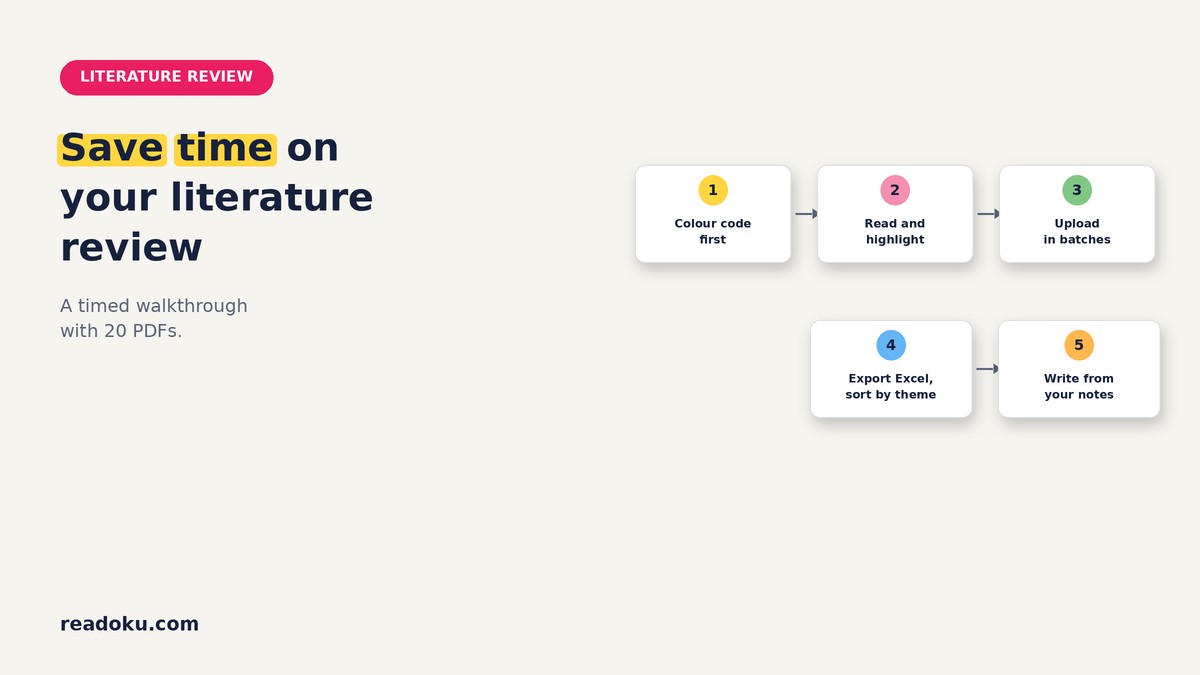
- Time how long it takes you to copy highlights from one PDF by hand.
- Highlight your next 20 PDFs with a simple colour code.
- Upload them in batches and export all highlights at once.
- Sort the export by colour and theme to plan your sections.
- Write from your notes, not from the PDFs.
Why does a literature review take so long?
Reviews are big projects. An analysis of 195 registered systematic reviews estimated an average of about 67 weeks to complete and publish one (Borah et al., 2017). Your thesis chapter is probably smaller, but the same pattern holds: reading, sorting and re-finding sources eats the calendar.
Much of that time goes into a step that adds no thinking: retyping or copying quotes and page numbers into your notes.
How much time does copying cost you?
Don't trust a general number. Measure your own.
- Pick one PDF you've already highlighted.
- Start a timer. Copy every highlight into a document, with its page number and your comment.
- Stop the timer. Write down the minutes.
- Multiply by the number of PDFs in your review.
That figure is the copying time you can win back. For many students it's the moment the yearly plan starts to make sense.
What is the timed walkthrough for 20 PDFs?
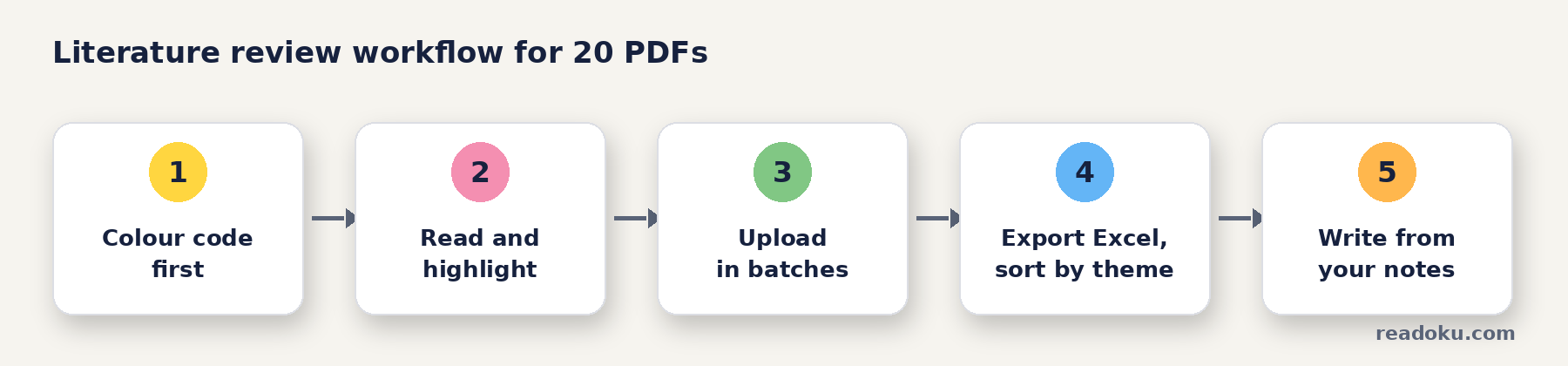
Step 1: Set a colour code before you read
Decide once, use it for all 20 papers. For example:
- Yellow: main claims and findings
- Green: methods and samples
- Blue: definitions and theory
- Pink: limitations and gaps
Want a full version? See the 4-color PDF highlighting system for research papers.
Step 2: Read and highlight, nothing else
Highlight and add short comments as you read. Don't open a notes file yet. Keeping reading and note-making apart helps you stay focused.
Step 3: Upload in batches
- Go to readoku.com/extract-highlights and sign in.
- Upload several PDFs at a time as you finish them.
- Download all highlights together as a ZIP, or choose one format.
Step 4: Export to Excel and sort
Choose Excel for review work. Each highlight comes with its text, page, comment and colour, so you can:
- sort by colour to see all limitations together
- add a "theme" column and group passages
- spot papers that support or contradict each other
Then turn the sheet into a literature review matrix from PDF highlights.
Step 5: Write from your notes
Write each section from the sorted rows. Every quote already has its page number, so you rarely reopen a PDF. Subscribers can add citation details to each file and include APA 7 in-text citations and a reference list in the export.
How do you track the time you saved?
Keep a tiny log while you work:
- minutes per PDF when copying by hand (from your test)
- minutes per PDF with upload and export
- the difference, times 20
Seeing the real number from your own work is more convincing than any promise.
What mistakes slow a review down?
- Changing your colour code halfway through
- Highlighting whole paragraphs, which makes exports long and noisy
- Writing from memory instead of from sorted notes
- Forgetting page numbers for direct quotes
For writing without accidental copying, read how to paraphrase without plagiarizing.
Good to know
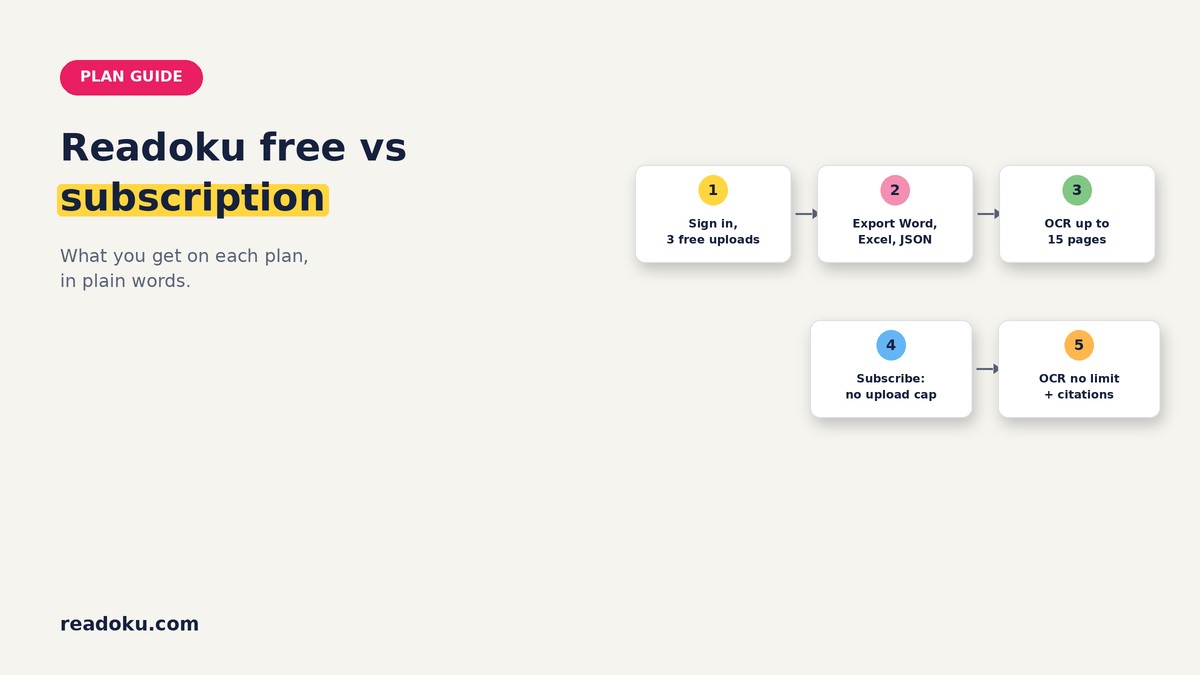
- Sign-in required. Free accounts get 3 uploads in total. There is no free trial.
- Subscribers have no 3-upload cap, so a 20-PDF review fits easily.
- Exports: Word, Excel, JSON, Text, clipboard and ZIP for several PDFs.
- Price: EUR 2/month or EUR 12/year (EUR 1/month, 50% off), with a 14-day refund.
FAQ
How many PDFs can I process on the free plan?
Three uploads in total. That's enough to test the workflow on your first few papers.
Which export is best for a literature review?
Excel, because you can sort and group by colour, page and theme. Use Word when you want to read and quote in a document.
Do I still need to read the papers carefully?
Yes. This workflow saves copying time, not thinking time. Your judgement is what makes the review good.
Can I add citations automatically?
Subscribers can add citation details to files and include APA 7 in-text citations and a reference list in their export.
Win back your copying time
Time one PDF by hand, then try the same PDF with Readoku. If the difference matters across your review, the EUR 12/year plan covers the whole project.