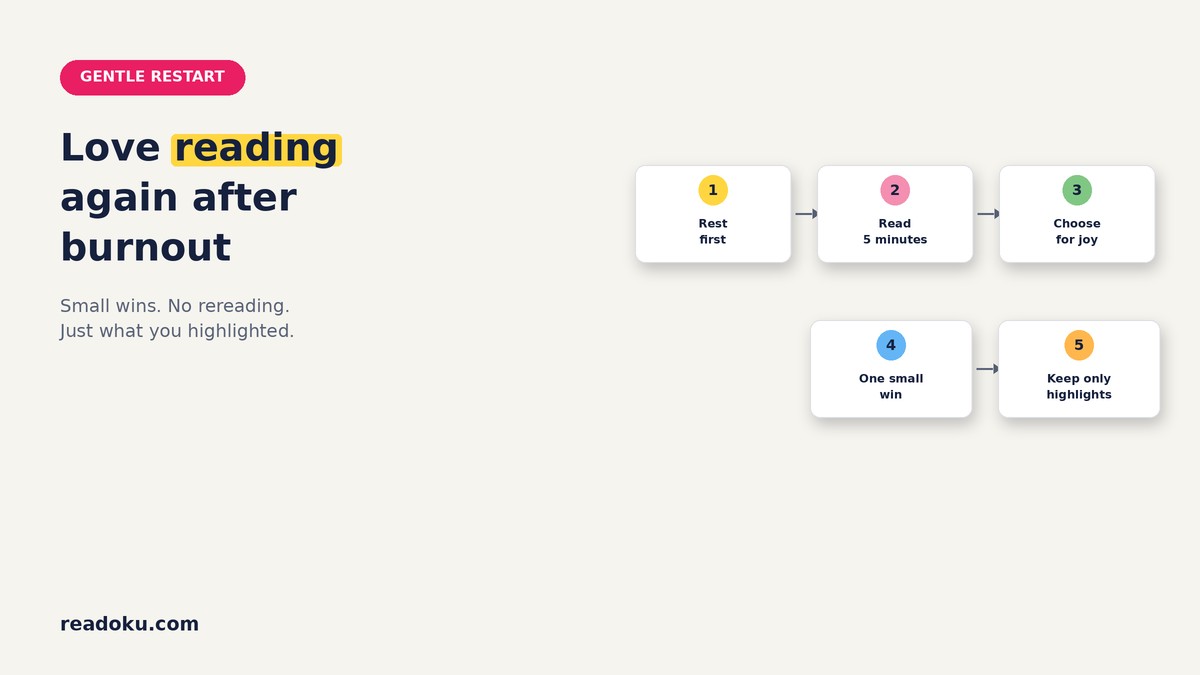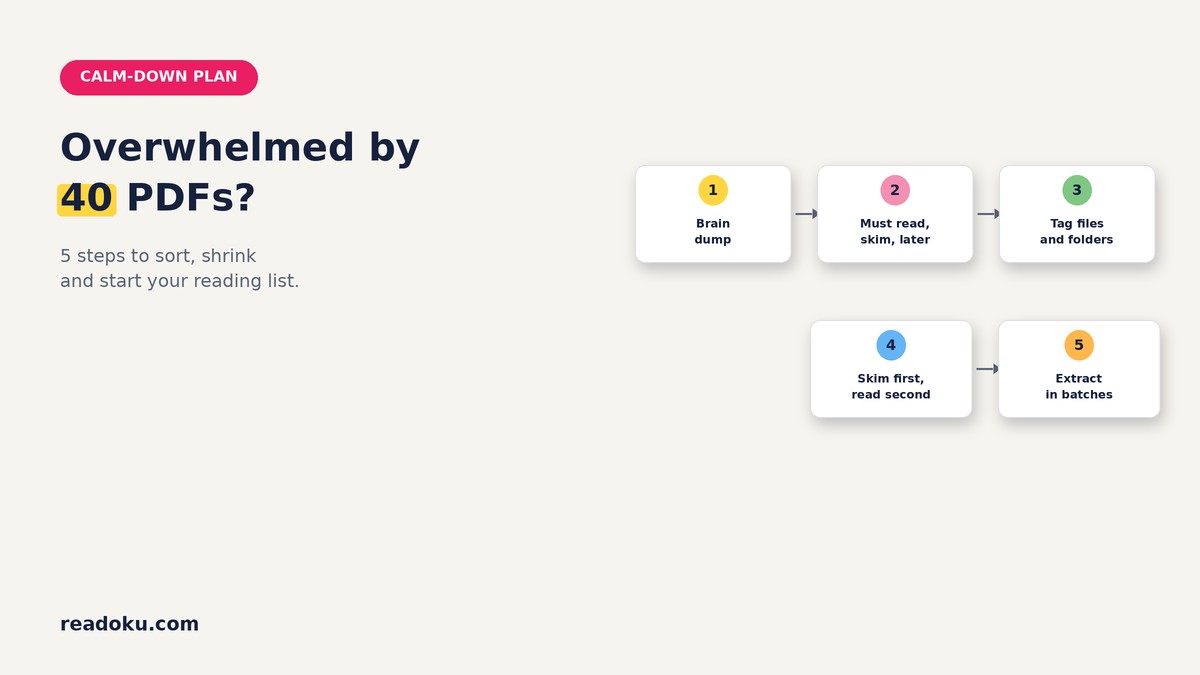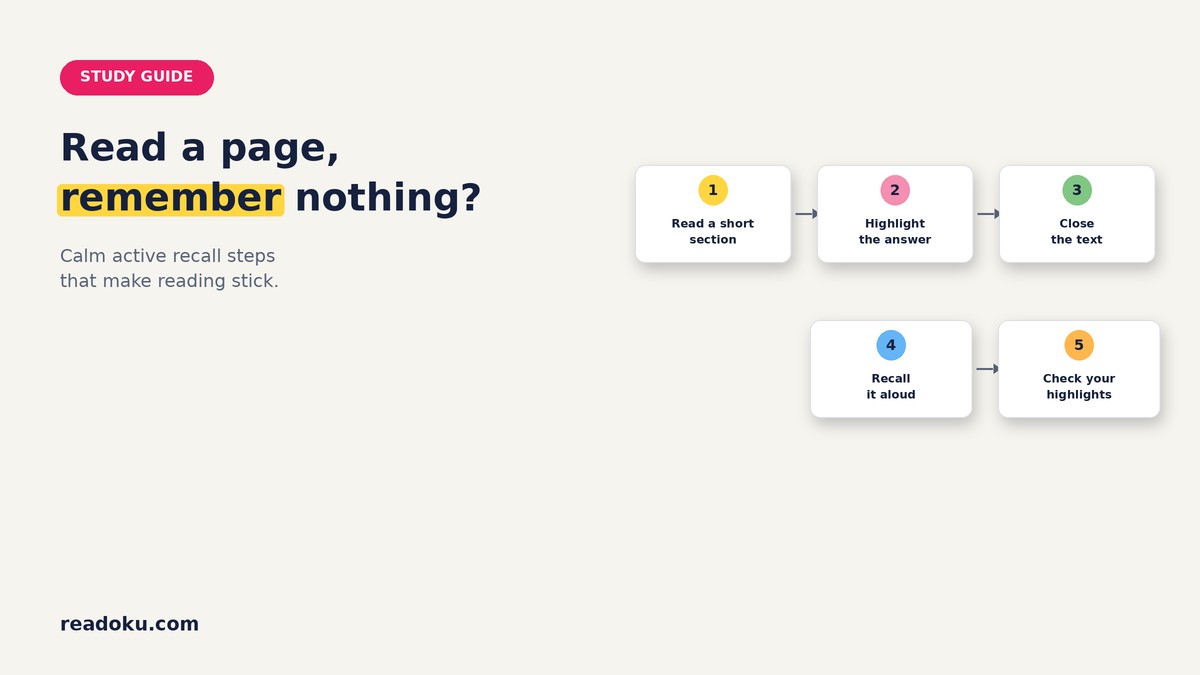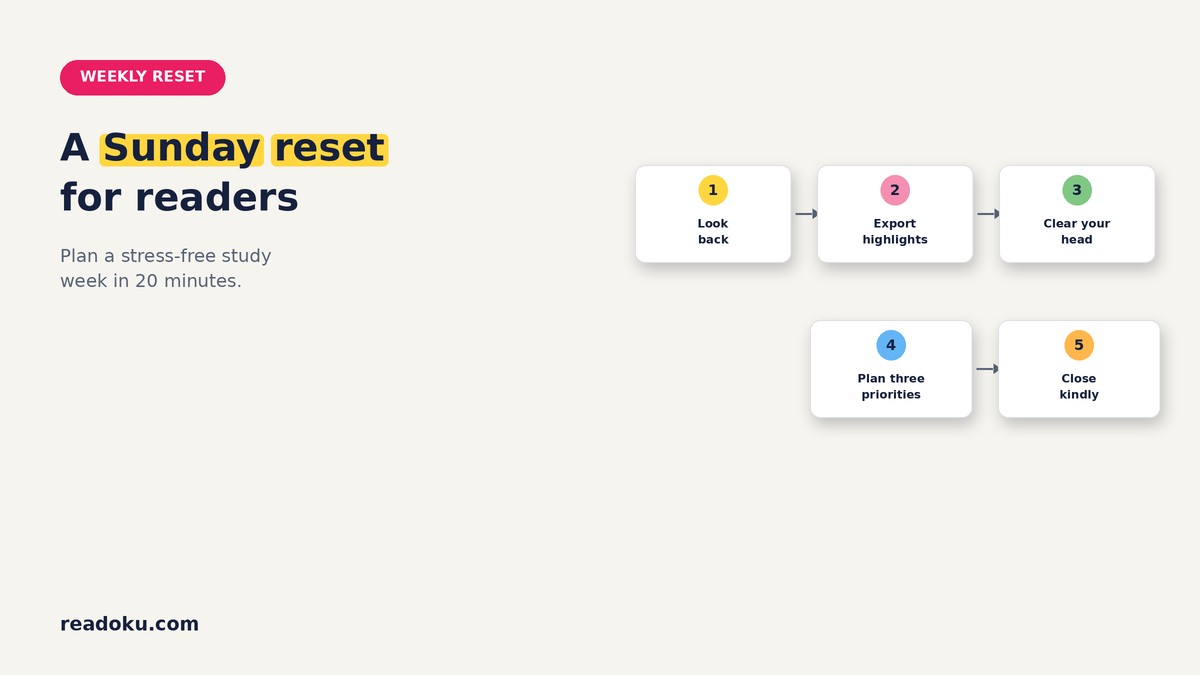
Sunday evening. The new week is coming, and your head is full of readings, deadlines and "I should have...". A Sunday reset is a 20-minute routine that turns that noise into a calm plan. Here's how to plan a stress-free study week, step by step.
Quick answer
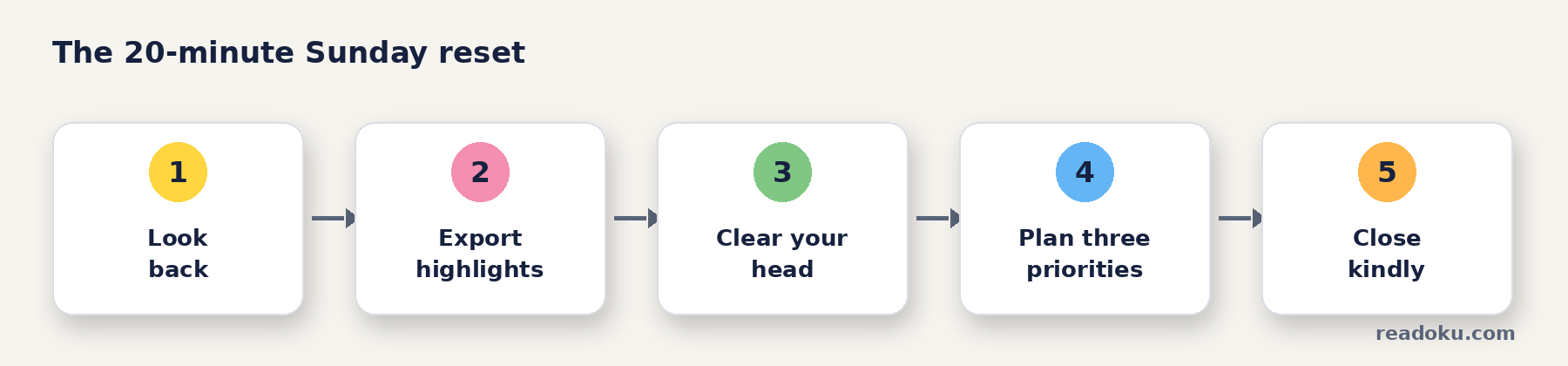
- Look back (5 minutes): what did you read and highlight this week?
- Export your highlights (3 minutes): save the week's notes in one file.
- Clear your head (4 minutes): write every open task down.
- Plan the week (6 minutes): pick three priorities and put them on specific days.
- Close kindly (2 minutes): write one win and one thing to let go.
Why does a weekly reset reduce stress?
Unfinished tasks tend to keep pulling at your attention. Experiments found that making a concrete plan for an unfinished goal reduced those intrusive thoughts, even before the goal was done (Masicampo and Baumeister, 2011).
Planning also protects you from a very human habit: we often underestimate how long tasks take, a pattern known as the planning fallacy (Buehler, Griffin and Ross, 1994). A weekly look back shows you how long things really took, so next week's plan is more realistic.
What is the 20-minute Sunday reset?
Step 1: Look back (5 minutes)
Open the PDFs you worked on this week. Ask yourself:
- What did I actually read?
- What took longer than expected?
- What felt good?
No judging. You're collecting facts, not grades.
Step 2: Export the week's highlights (3 minutes)
Turn scattered highlights into one tidy file.
- Go to readoku.com/extract-highlights and upload this week's highlighted PDFs.
- Download your highlights as Word for reading and writing, or Excel for sorting by page, colour or comment.
- Several PDFs? Download them together as a ZIP.
- Save the file with the date, for example "Week 47 highlights".
Now your week of reading lives in one place. That alone feels lighter. For more on exports, see how to copy highlighted text from a PDF to Word and how to export PDF highlights and comments to Excel.
Step 3: Clear your head (4 minutes)
Write every open task on one list: readings, assignments, emails, errands. Don't sort yet. Just empty your mind onto the page.
Step 4: Plan the week (6 minutes)
- Pick three priorities. For example: "Finish chapter 3 reading, draft essay intro, review lecture 5 highlights."
- Give each one a day and a time. "Tuesday 10:00, library, 45 minutes."
- Add a buffer. Leave one session free for things that take longer.
- Plan a review. Put 15 minutes on Thursday to reread your exported highlights.
Studying for exams? Combine this with a spaced repetition study schedule.
Step 5: Close kindly (2 minutes)
Write two lines:
- "This week I'm proud of..."
- "I'm letting go of..."
Then close the laptop. The plan is done, and your evening is yours.
What if you missed your plan last week?
That's useful information, not failure. Ask: was the plan too big, or did life happen? Make next week's plan a little smaller. A plan you keep is better than a perfect one you drop.
How do you make the Sunday reset a habit?
- Same time every week, for example Sunday at 18:00.
- Same place, with a drink you enjoy.
- Keep it short. Twenty minutes, not two hours.
- Keep your weekly highlight files together. After a semester, you'll have a full record of everything you learned.
Good to know
- Sign-in required to upload. Free accounts get 3 uploads in total. There is no free trial.
- Exports: Word, Excel, JSON, Text and copy to clipboard. Multiple PDFs download as a ZIP.
- Subscribers can add citation details to files and get APA references in exports.
- Price: EUR 2/month or EUR 12/year (EUR 1/month, 50% off), with a 14-day refund.
FAQ
Does the reset have to be on Sunday?
No. Any day works. Choose the day that best separates one week from the next for you.
What if 20 minutes isn't enough?
Then your list may be too long. Keep only three priorities and move the rest to "later".
Why export highlights every week?
It keeps notes from piling up and gives you a clear record of progress. It also makes exam and essay time much easier.
Is a weekly upload worth the subscription?
If you reset every week, the 3 free uploads go quickly. The EUR 12/year plan works out at EUR 1 a month, so you can keep the ritual going all year.
Do your first reset this Sunday
Set a 20-minute timer, export your week's highlights and plan three priorities. If you'd like to make it a weekly ritual, the EUR 12/year plan is the simplest way.