- Support for More Annotation Types
Until now, Readoku focused primarily on extracting highlighted text. With this update, you can now extract:
-
Highlights
-
Underlined text
-
Strikethrough text
This ensures your entire annotation workflow is captured, no matter which style you use.
- Filter Highlights by Color
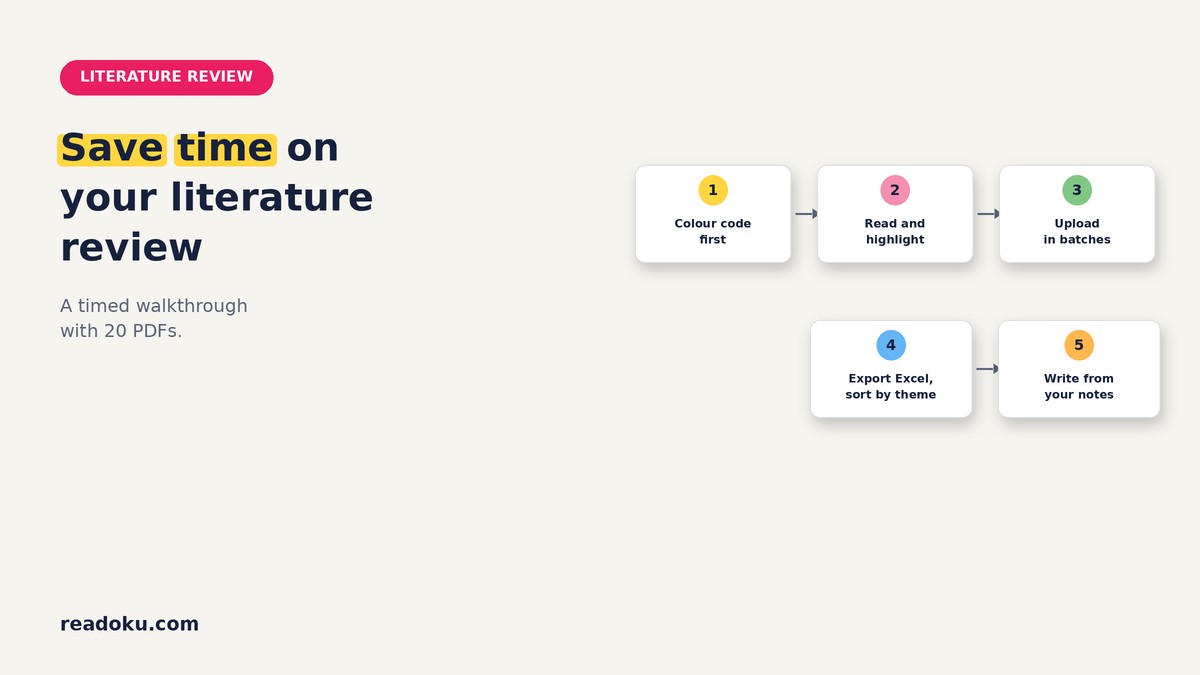
For readers who rely on color-coding, you can now filter your extracted highlights or annotations by specific colors.
This is especially helpful for:
-
Organizing themes
-
Separating arguments or theories
-
Structuring literature review notes
-
Distinguishing personal notes from important quotes
You choose the colors you want to include, and Readoku extracts only those segments.
- All Existing Features Remain Available
These new additions build on the features users already love, including:
-
Including or excluding comments
-
Including highlight colors
-
Including page numbers in your export
-
One-click full export
-
Copying all extracted text to the clipboard
-
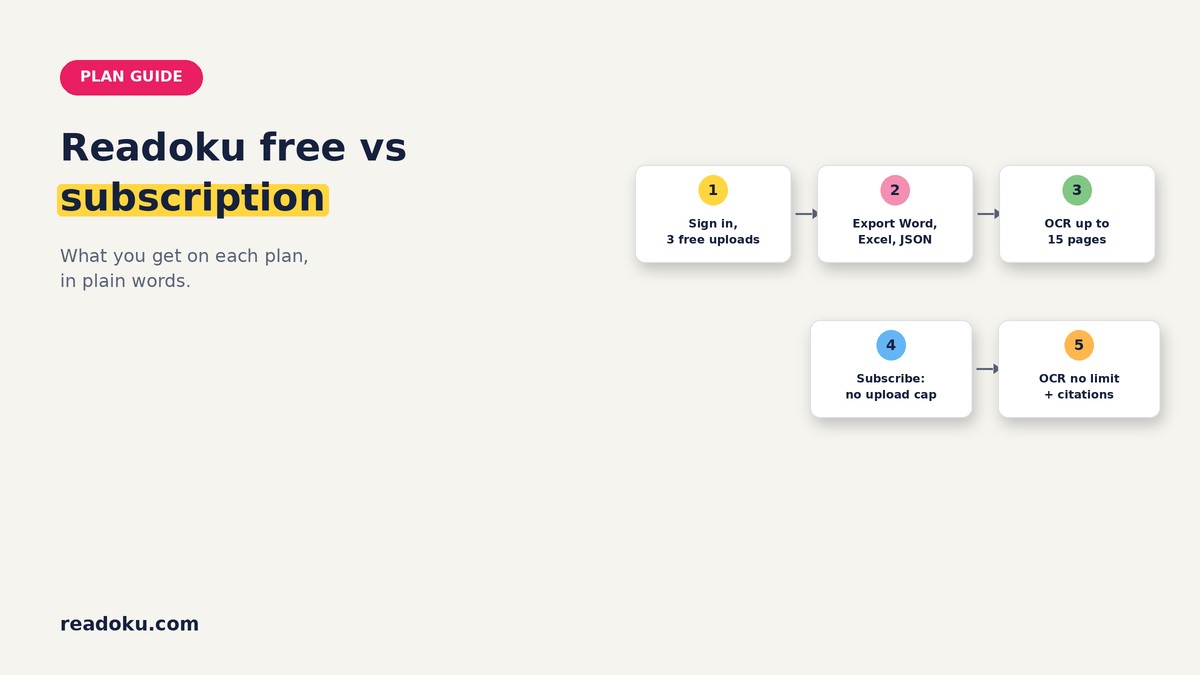
Exporting in multiple formats such as Word (DOCX), TXT, JSON, Excel (XLSX)
- Designed for a Smooth and Fast Reading Workflow
readoku continues to focus on speed, clarity, and user experience. Upload your PDF, apply your filters, and export your notes in seconds.
Try these new features at readoku.com
Want to see how researchers assign specific meanings to each highlight color before filtering? Check out The 4-Color PDF Highlighting System for Research Papers and Literature Reviews.