Readers might find it painful worrying every time on how to export their highlights once the reading journey is over. This makes your reading experience stressful and takes the joy away.
Especially in academia where students and professors are required to do readings of thousands of articles and books within a limited set of time. We have experienced the same, and we faced a lot of issues when it came to extracting the highlights. Therefore we have created this free platform to benefit other peers that are surely facing the same issue.
How do you extract your highlights using our Readoku platform?
- Click on the link to our main page: https://www.readoku.com/
→ You will be redirected to the following page:
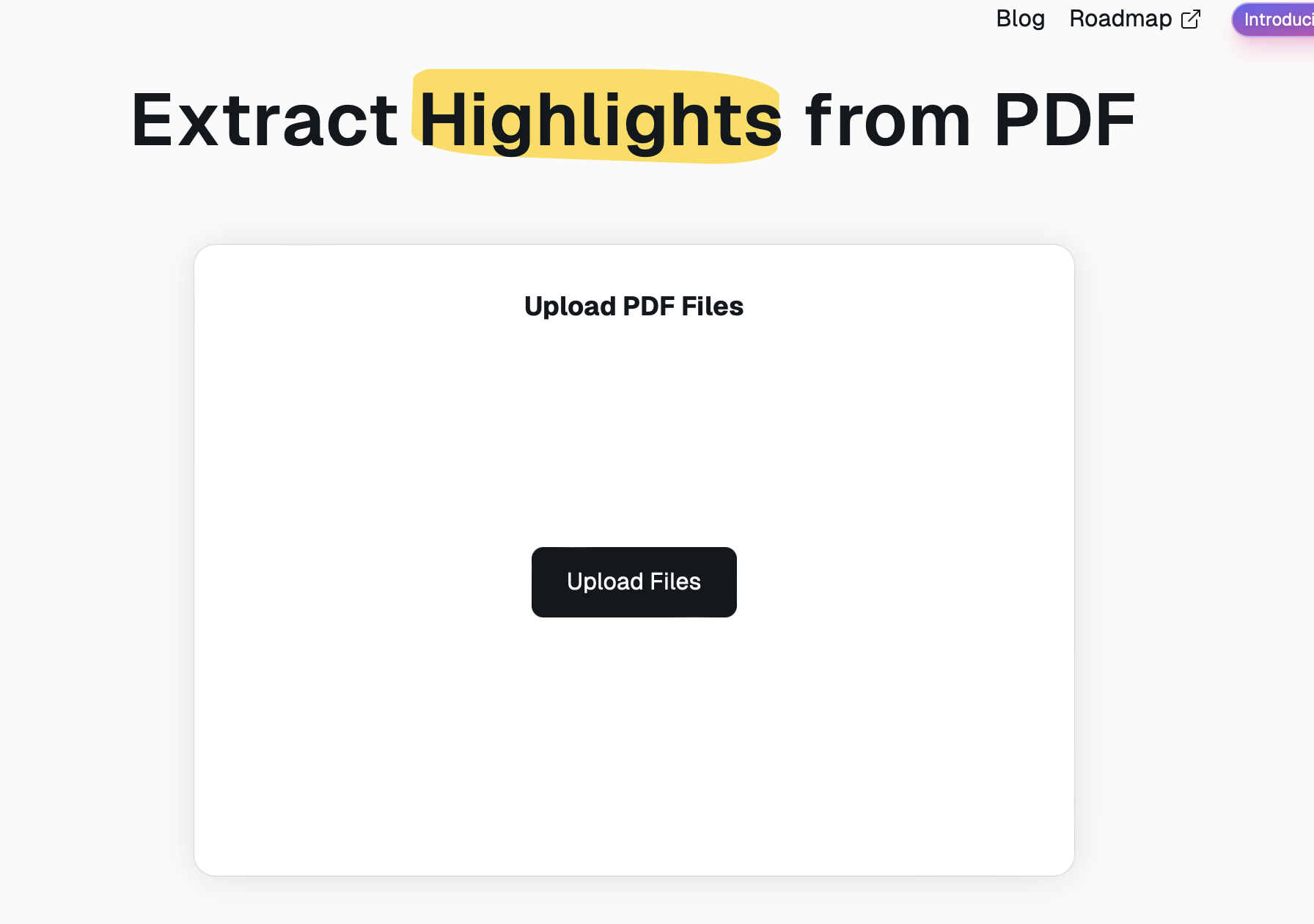 2. Now click on Upload File.
→ A window will pop up where you can navigate to the PDF you want to extract the highlights from:
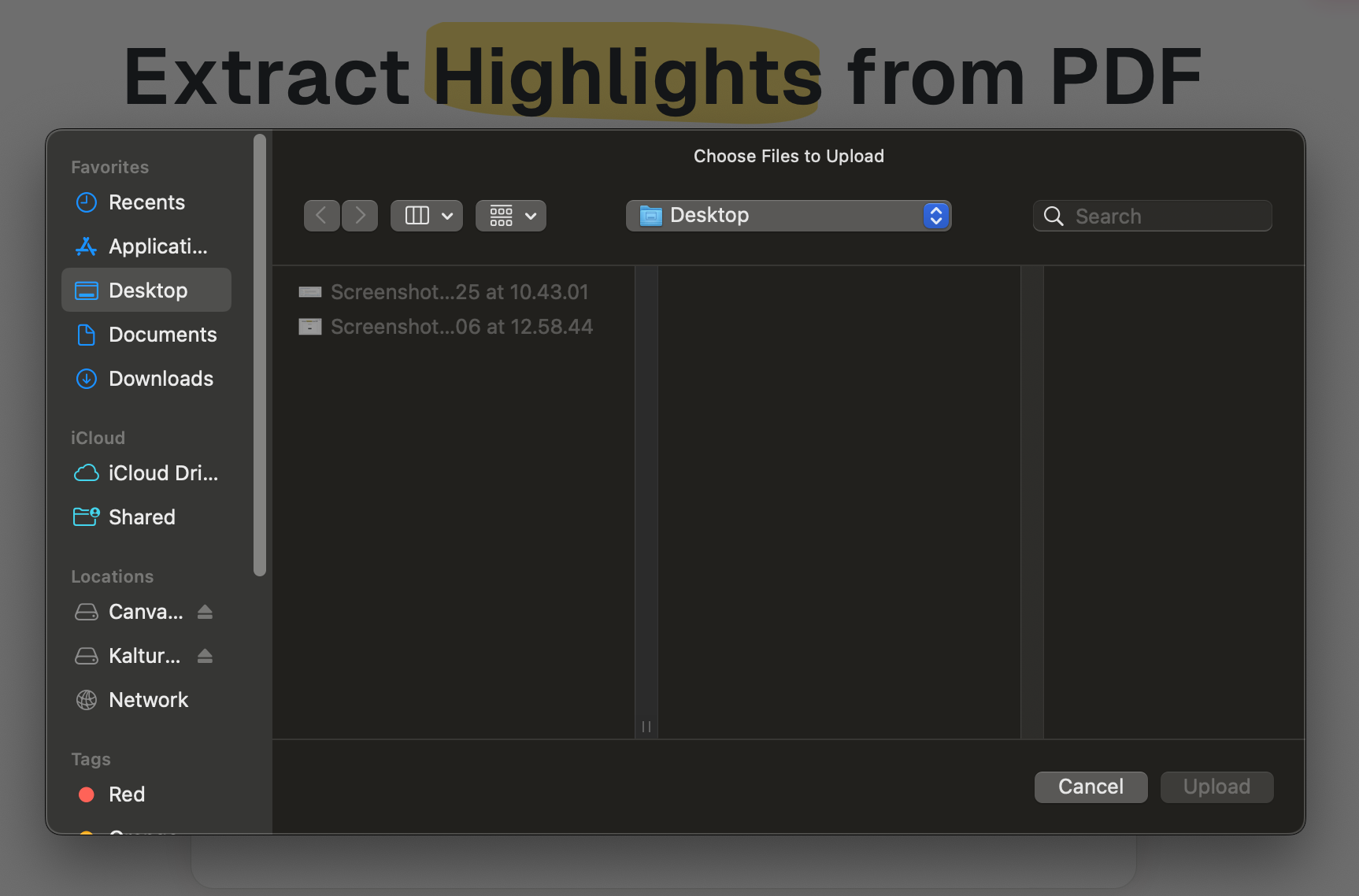 > Note: this example is performed on a macbook. The window would look slightly different if you are using an android.
- Now click on your desired PDF file and click on Upload
→ Your desired PDF is now displayed on the platform:
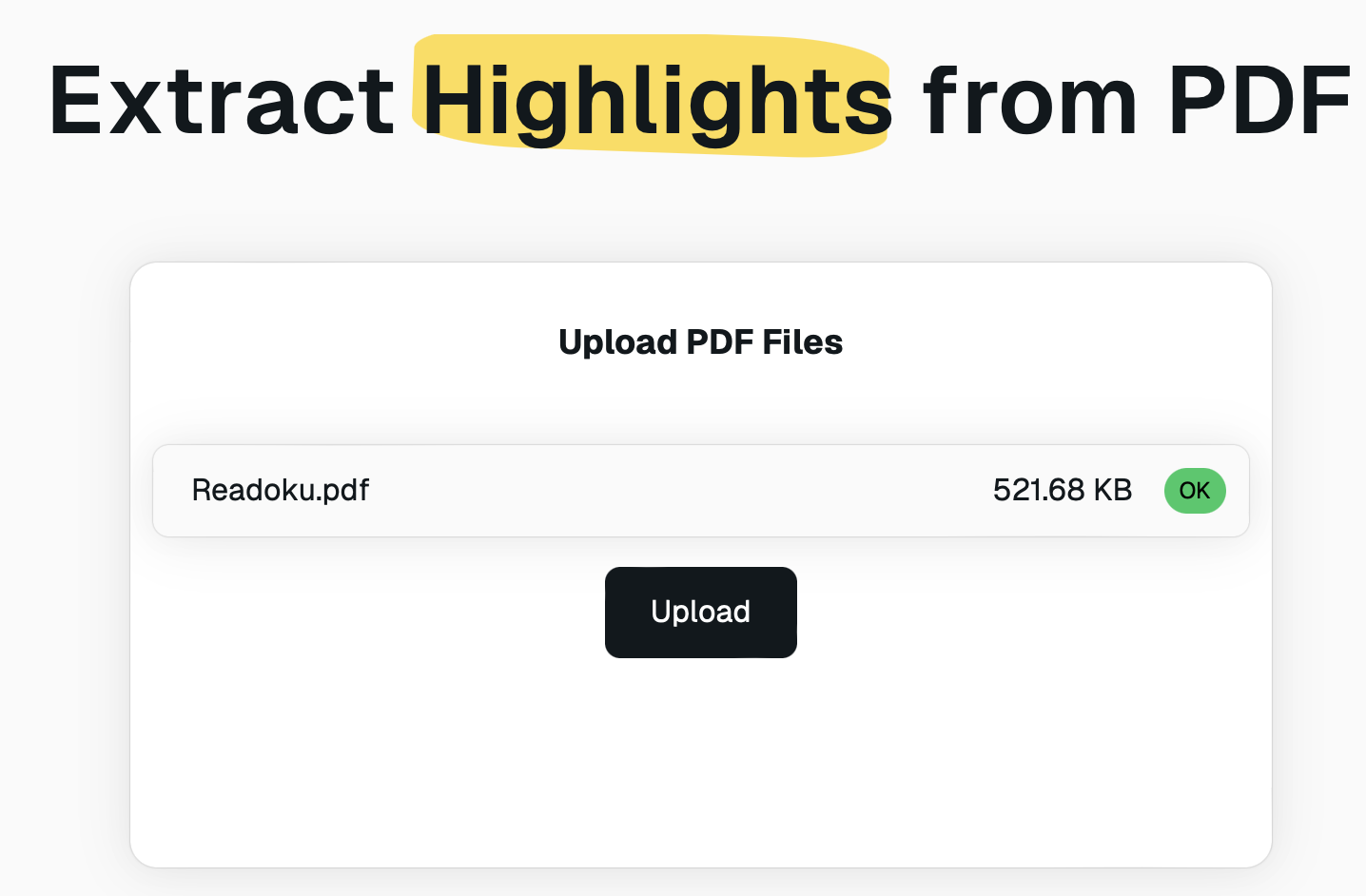 4. Now click again on Upload to extract the highlights
→ Your highlights are displayed for preview as shown below:
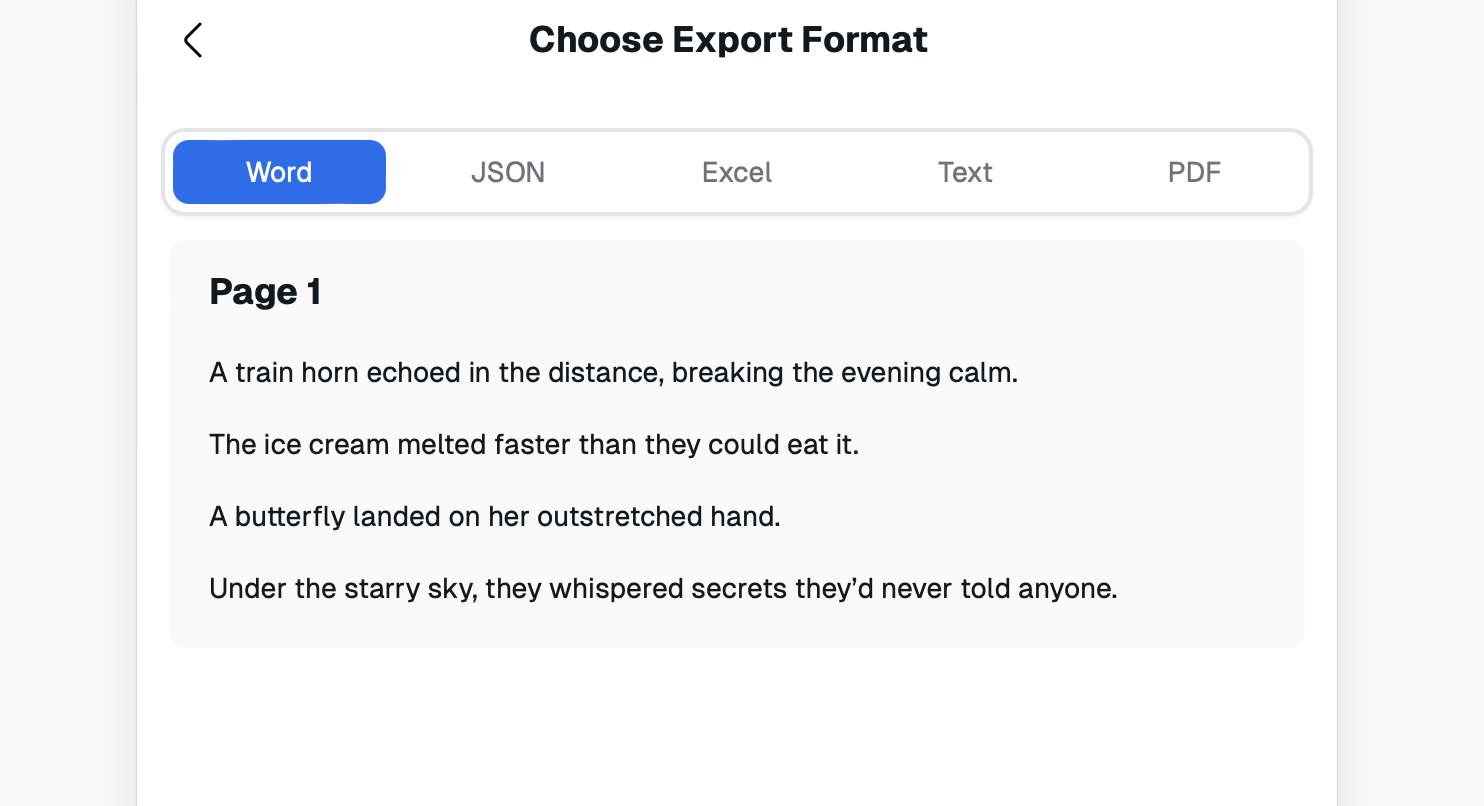 > Note: You have the option to export your highlights as a Word, JSON, Excel, Text or PDF format.
- Select the format you would like to export your highlights and click on download all or copy to clipboard if wished.
→ Your downloaded file is ready to use
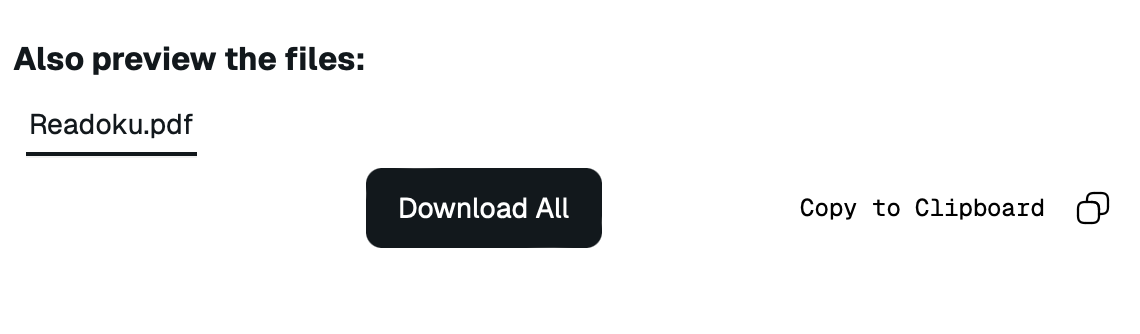 > Note: you can duplicate the word file in order to be able to edit as well.
- A final step would be to rate our platform or share with us your feedback 🙂.
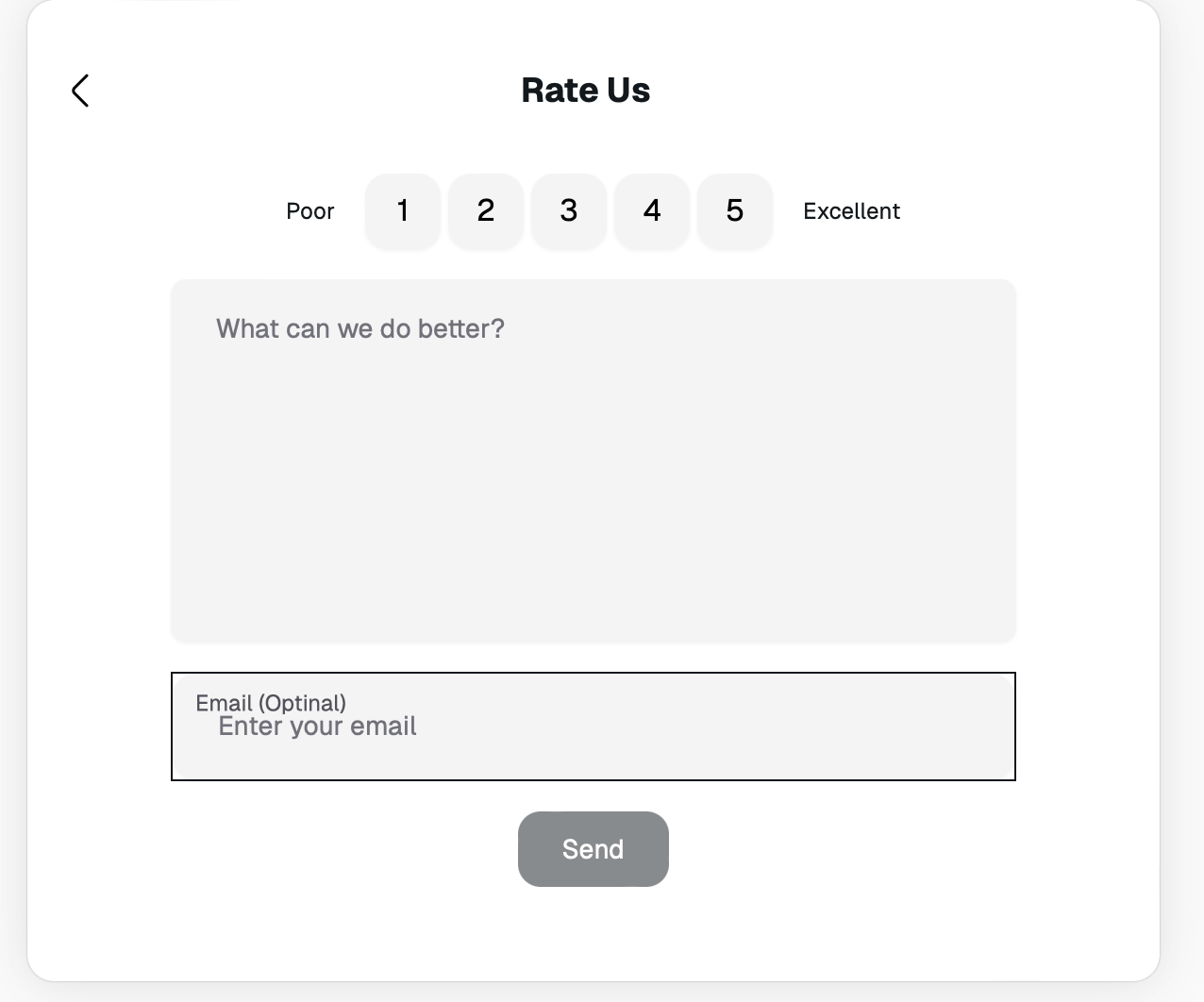 We will be looking forward to your feedback as this helps us to improve and do better on our platform. It would also be helpful if you could share our page with other that are in need of such platform.
We thank you in advance and wish you a good day! 🙂
Your Readoku Team !