1. Protect Your Eyes
Yes, e-ink devices like Kindle are great.
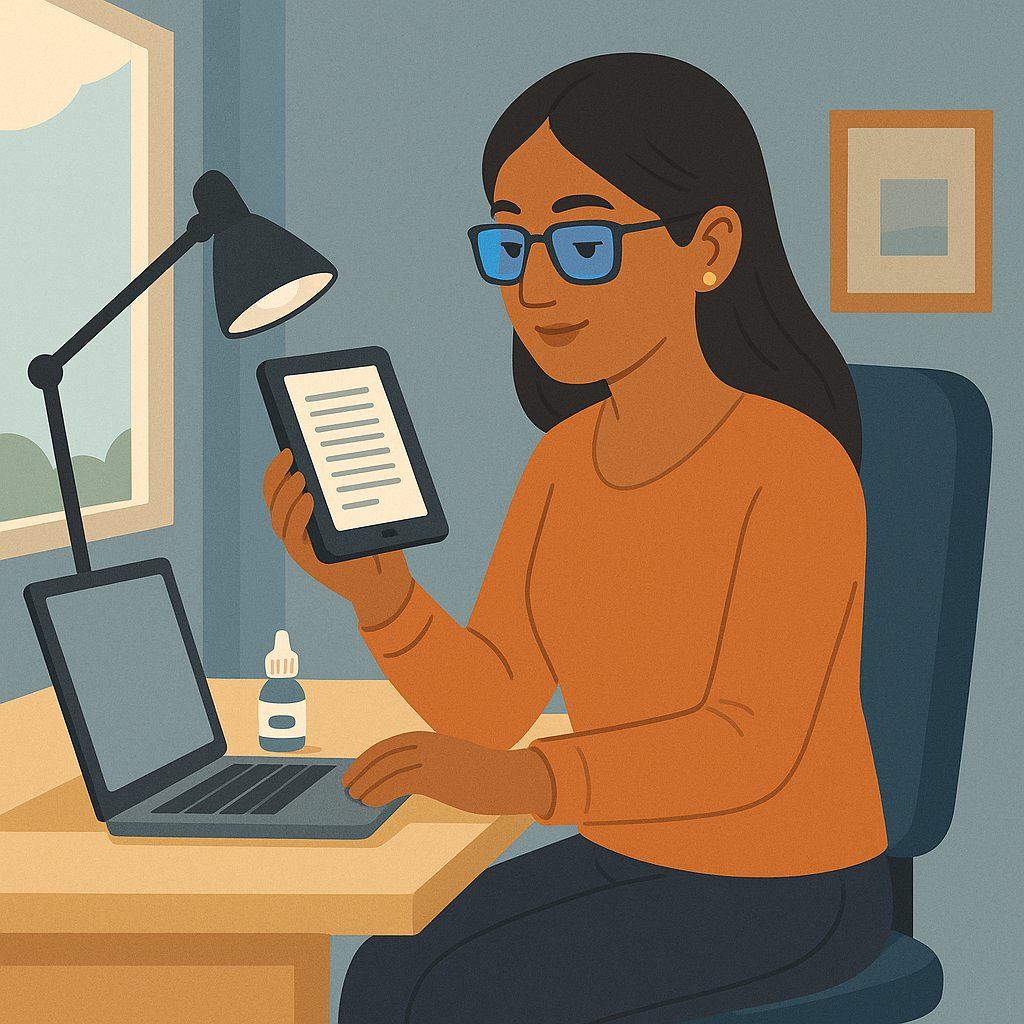
But let’s be honest: if you’re a frequent reader, you will end up using laptops for articles, PDFs, research papers, and work. So here are our tips:
- Use a blue-light filter.
You can add it to your glasses or use an external filter on your laptop or monitor. - Use eye drops if recommended by your doctor — they help with dryness after long reading sessions.
- Follow the 20-20-20 rule: every 20 minutes, look at something 20 feet away for 20 seconds.
We’re not giving medical advice — just personal experiences from readers like you.
2. Balance Your Lighting
- Avoid direct light hitting your screen (it creates glare and eye strain).
- Avoid direct light hitting your eyes, like sunlight coming from a window.
The ideal setup:
- A balanced, diffused light environment — light coming softly from the sides, not directly onto your face or screen.
- Your eyes and your screen should be in a shadowed zone (no harsh exposure).
This makes reading much more comfortable.
3. Fix Your Sitting Position
- Your chair height should match your desk height so that your elbows form roughly a 90-degree angle and your arms rest comfortably on the desk.
- Your back should be well supported (lumbar support is great, even a small pillow).
- Your screen should be at eye level, so you don’t bend your neck down for hours.
We know how it is — you start with one article, and suddenly it’s been three hours.
Your spine will thank you the next day.
4. Don’t Sit Forever — Move!
We love productivity, but we love healthy habits even more.
- Take breaks every 45–60 minutes.
- Stand up, stretch, walk a bit.
- Even a cheap smart watch (like the one we use!) can remind you to move.
Your body supports your reading routine — treat it gently.
5. After Reading, Avoid More Screens
Once your long reading session is over, give your eyes a real break.
Instead of jumping to TV, social media, or scrolling:
- Rest your eyes in dim light.
- Try warm tea bags on your eyes — they feel magical and relaxing.
- A short walk or quiet time off-screen helps reset your vision.
Have More Tips? We’d Love to Hear Them!
If you want to share your own habits or suggest new topics, reach out through our contact or feedback form.
We’re real humans who love connecting with our readers — and we always reply.
Together, we build not only better reading tools, but also healthier reading habits.
Spend Less Time Straining Over Old PDFs
Use the Readoku PDF Highlight Extractor → to extract and organize your PDF highlights in one click so you can review notes comfortably. Read next: How to Increase Concentration While Reading and How to Increase Your Motivation for Reading.