Let’s be real, reading academic papers can be exhausting. You open a 25-page PDF hoping it holds the answers, only to discover it’s not even relevant… after reading 20 pages.
Over the years, I developed some quick tricks to read articles fast, extract what I need, and stay organized — especially when juggling multiple topics at once. No fancy speed-reading techniques here. Just real strategies that actually work.
Trick 1: Skim Smart Table of Contents, Abstract, Conclusion
Before diving into any article, I do a quick scan:
-
Abstract: What's this about?
-
Conclusion: What did they find?
-
Subheadings / ToC: How is the argument structured?
This 3-minute check helps me decide fast if it’s worth reading — instead of wasting time discovering at page 18 that it’s not useful for my research.
Trick 2: Topic Modeling with Colors
This is my favorite trick.
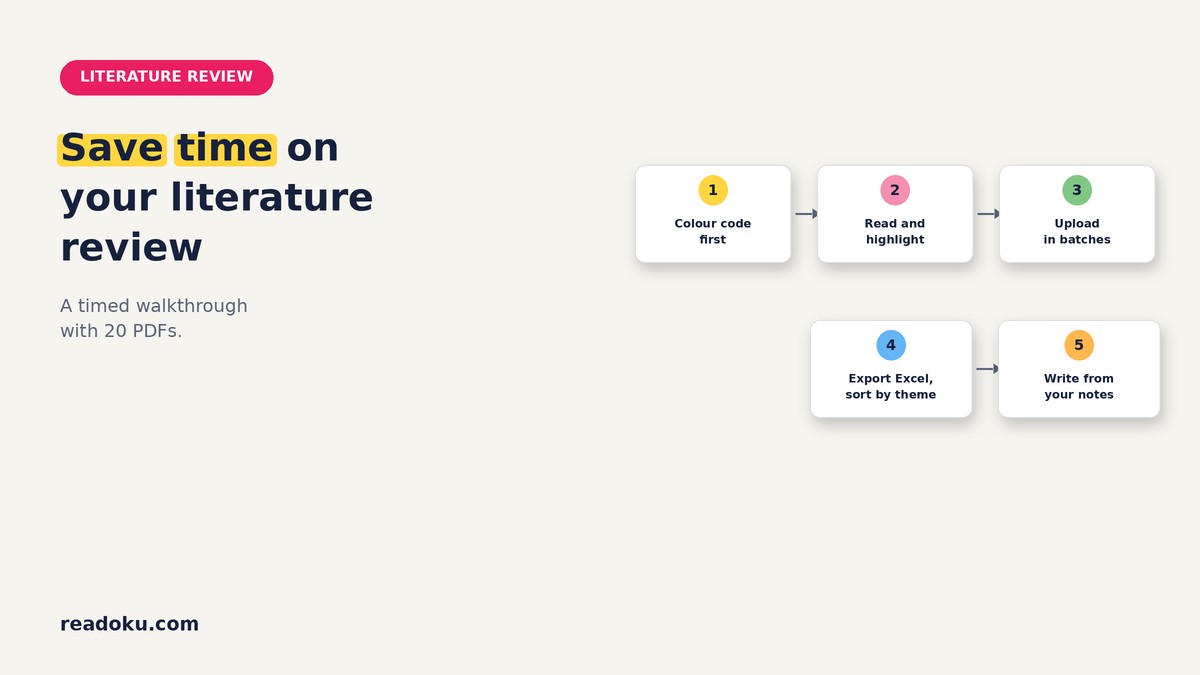
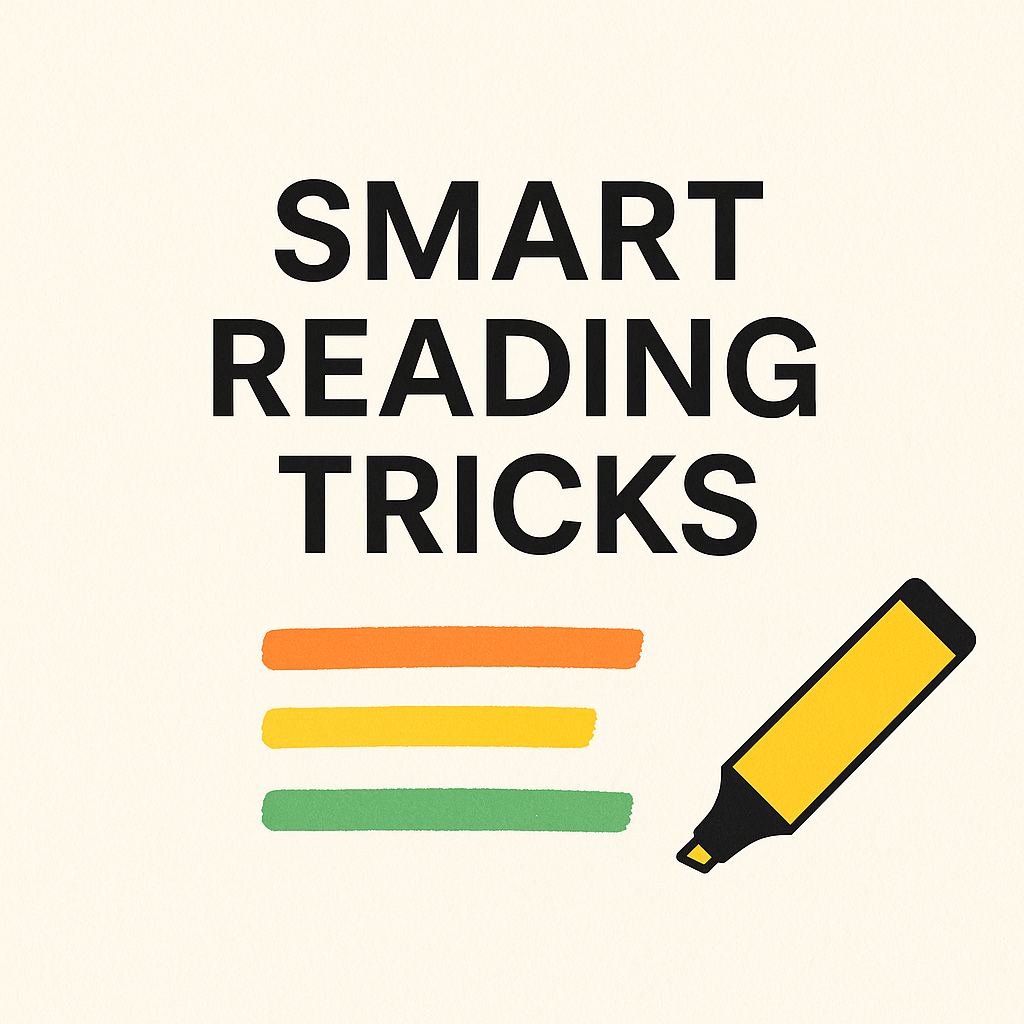
When you’re researching a complex topic (say, gender inequality at work), break it down into recurring themes. Then assign each one a color. For example:
Topic/Color: General gender bias & stereotypes 🟧 Mechanisms for addressing inequality🟨 YellowCauses & drivers of inequality🟩
Then, use these same colors across all articles you read.
This creates a visual topic map that’s incredibly helpful when writing or citing later.
Try tools like Readoku.com if you’re working with PDFs — it lets you highlight in color and organize by topic with ease.
Trick 3: Highlight & Take Notes Instantly
Here’s the biggest mistake:
“I’ll come back and take notes later.”
Don’t.
Either you won’t — or you’ll reread the whole thing and lose the golden idea you had the first time.
🔹 Highlight in real-time
🔹 Comment in your own words
🔹 Write as if you’ll copy-paste it into your draft
This way, your future self will thank you.
Trick 4: Always Ask, “Is This Useful?”
Sometimes, you read a brilliant paragraph… but it doesn’t serve your current argument.
Ask yourself:
-
Do I really need this for this paper?
-
Or am I just excited by how clever it sounds?
If it’s the second, put it in your “inspo portfolio” — a separate doc where you collect good ideas, quotes, or insights you might use later.
This keeps your main draft focused.
Bonus Trick: First & Last Sentence of Each Paragraph
If I’m short on time, I scan just the:
-
First sentence (sets up the idea)
-
Last sentence (wraps it up)
This gives me a fast sense of what’s going on, and I only read the full paragraph if it looks promising.
Final Note: These Tricks Aren’t Scientific but Real
There’s no magic formula. These aren’t backed by fancy research.
They’re just what worked for me through endless late nights, thesis deadlines, and literature reviews.
Fast reading isn’t just about speed — it’s about being strategic.
Extract Your Color-Coded Highlights Automatically
Once you finish skimming and highlighting an article, use the Readoku PDF Highlight Extractor → to export all your highlights and notes by color in one click. See also: New Features: Filter Highlights by Color and How to Conduct a Systematic Literature Review.