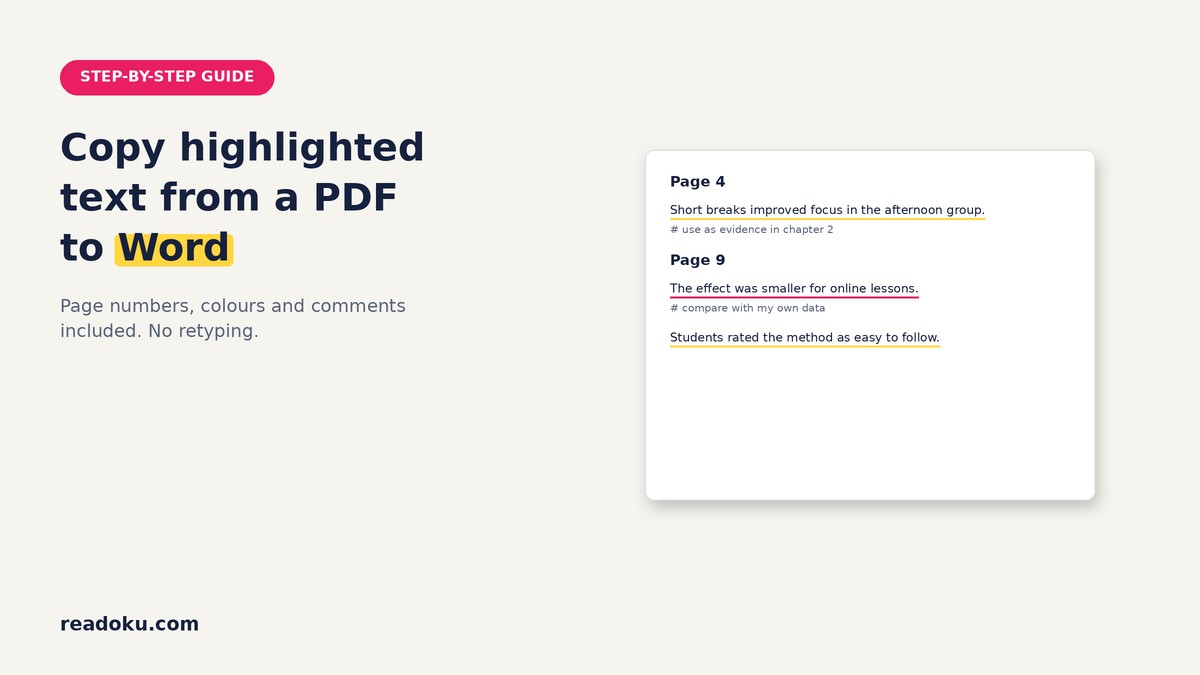
Wondering how to copy highlighted text from a PDF to Word without retyping or fixing broken lines? Export all your highlights at once and get a tidy Word document with page numbers and comments.
Quick answer
- Open readoku.com/extract-highlights and sign in.
- Upload your highlighted PDF.
- Keep page numbers and comments switched on.
- Open the Word tab and download the .docx file.
Why does copy-paste from a PDF go wrong?
Copying from a PDF often brings line breaks in the middle of sentences, split words and stray hyphens. You also lose the page number, which you need for every direct quote. Doing this for 30 highlights takes a long time.
How do you export highlighted text from a PDF to Word?
- Save your highlights in the PDF. Highlight as usual and save the file, so the highlights are stored in it.
- Sign in and upload. Go to the Extract Highlights page, sign in and upload one or several PDFs.
- Filter if you want. Keep only certain colours, or only Highlights, Underlines or Strikeouts.
- Choose what to include. Switch page numbers, colours and comments on or off.
- Download the Word file. Open the Word tab and download. You can also copy everything to the clipboard and paste it into an open document.
What does the Word document look like?
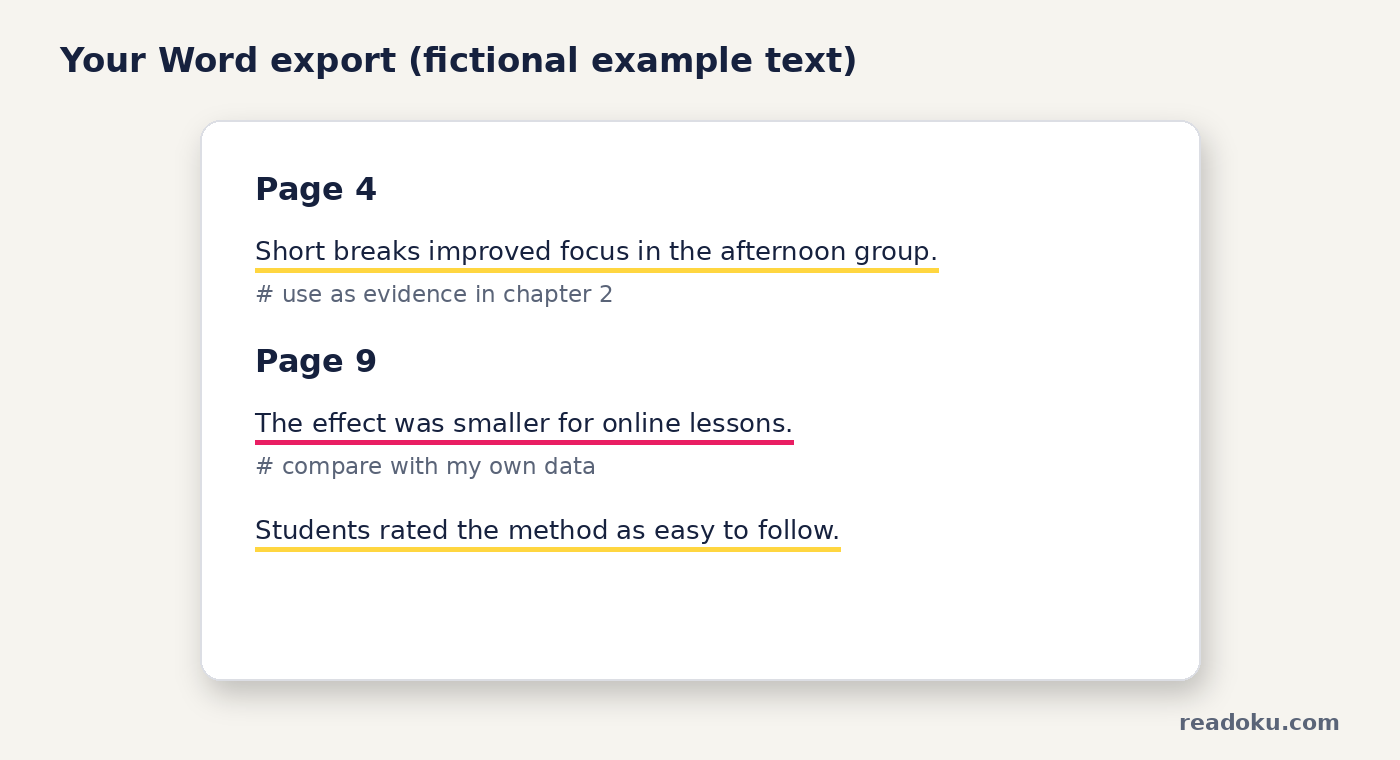
The text in this example is fictional.
- A bold Page heading for each page
- Each passage as its own paragraph, underlined in its highlight colour
- Your comment right under the passage, starting with #
Only comments attached to a highlight, underline or strikethrough are exported. Standalone sticky notes are not.
How do you turn the Word export into your draft?
- Group by colour. If yellow means "quote" and pink means "my idea", cut and paste the passages into your outline sections.
- Quote with the page number. The page heading tells you which page to cite. See the APA in-text citation guide.
- Paraphrase in your own words. Read a passage, close it, then write. Our guide on how to paraphrase without plagiarizing shows how.
Subscribers can also add citation details to a file. The export then ends with an APA reference. More in in-text citations in Readoku.
Common mistakes
- Forgetting to save the PDF after highlighting
- Turning page numbers off, then needing them for citations
- Pasting quotes into your thesis without quotation marks
What about scanned PDFs and many files?
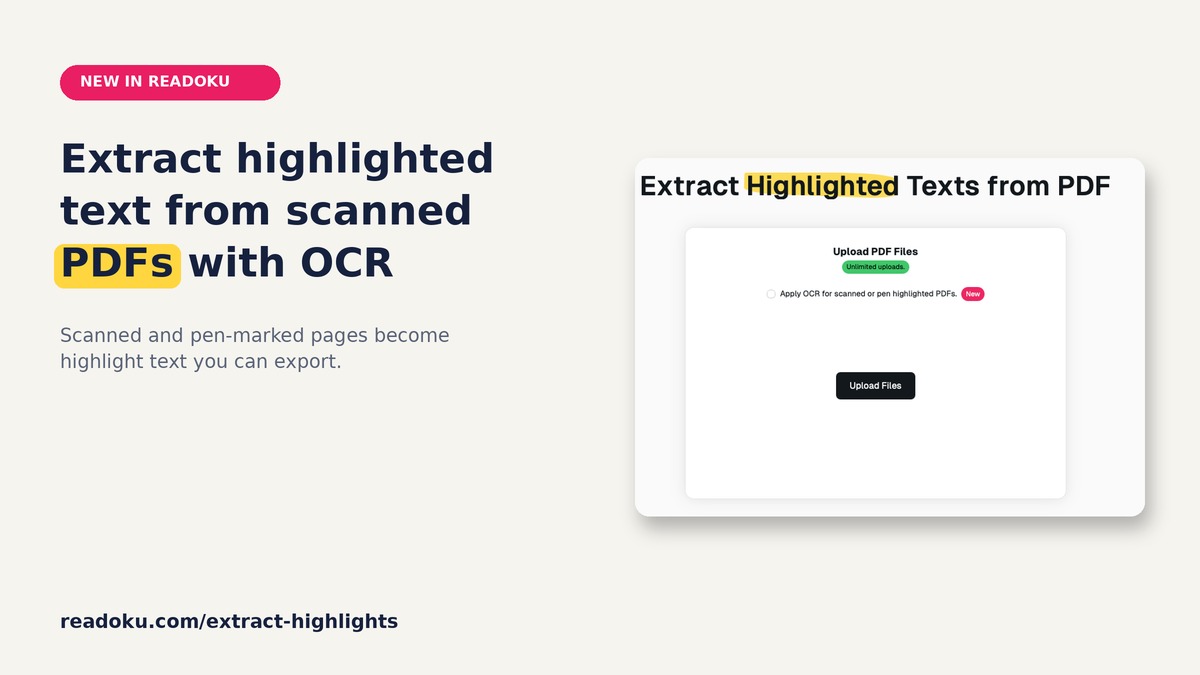
- Scanned or pen-highlighted pages: tick "Apply OCR for scanned or pen highlighted PDFs." before you upload. OCR finds yellow and pink marker. See extracting highlights from a scanned PDF.
- Several PDFs: upload them together and download one ZIP.
Good to know
- Sign-in required. Free accounts get 3 uploads in total. There is no free trial.
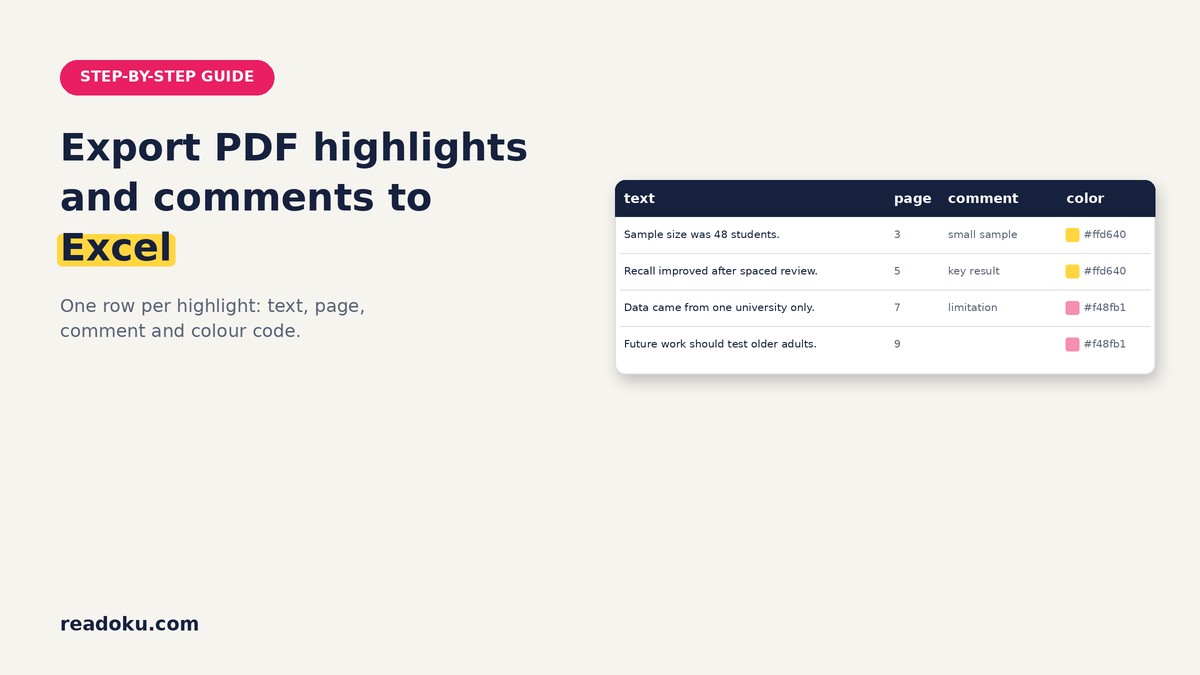
- Formats: Word, Excel, JSON, Text and copy to clipboard.
- Free accounts can OCR PDFs up to 15 pages; subscribers have no page limit.
- Price: EUR 2/month or EUR 12/year (EUR 1/month, 50% off), with a 14-day refund.
FAQ
Can I export PDF comments to Word too?
Yes. Comments attached to your highlights appear under each passage in the Word file.
Does the Word file keep my highlight colours?
Yes. Each passage is underlined in its highlight colour, so you can still see your colour code.
Can I copy the highlights without downloading a file?
Yes. Use copy to clipboard and paste the text into any open document.
Does it work for underlined text?
Yes. Underlines and strikethroughs are exported too, and you can filter by type.
Get your quotes into Word
Upload one highlighted PDF and get a clean Word file with page numbers. Writing a thesis with many sources? The EUR 12/year plan takes you past the 3 free uploads.