Want to export highlights from a PDF on a Mac? You do not need to install anything. Readoku runs in your web browser, so you can turn your highlights into a Word, Excel, JSON or Text file in a few clicks.
Quick answer
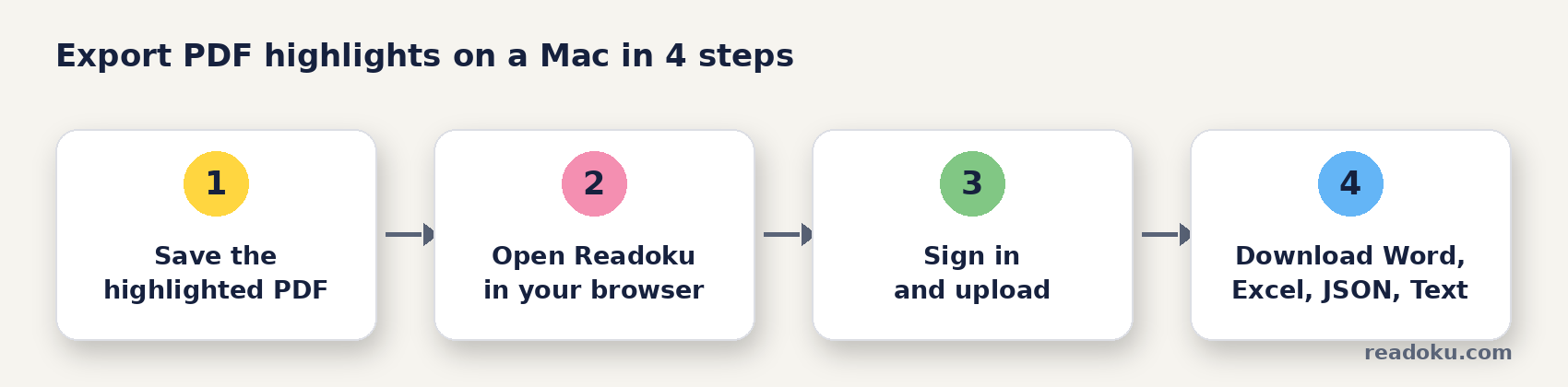
- Save your highlighted PDF on your Mac.
- Open readoku.com/extract-highlights in your browser and sign in.
- Upload the PDF.
- Download Word, Excel, JSON or Text.
Why is it hard to get highlights out of a PDF on a Mac?
Copying works one passage at a time. Each copy loses its page number, and line breaks end up in the middle of sentences. With 40 highlights, that is a long evening.
The good news: highlights you make in the built-in Mac PDF viewer, or most other PDF readers, are saved as standard PDF annotations inside the file. That is why they can be read out again.
How do you export highlights from a PDF on a Mac, step by step?
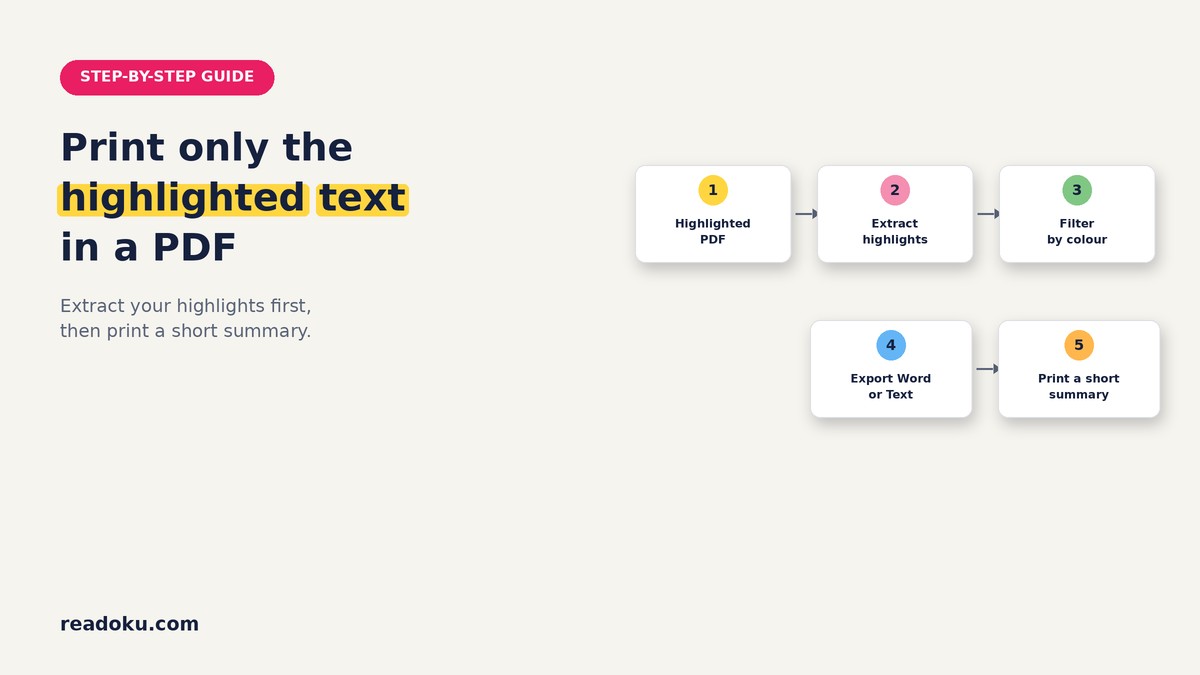
- Save the PDF after highlighting. This stores your highlights and comments in the file.
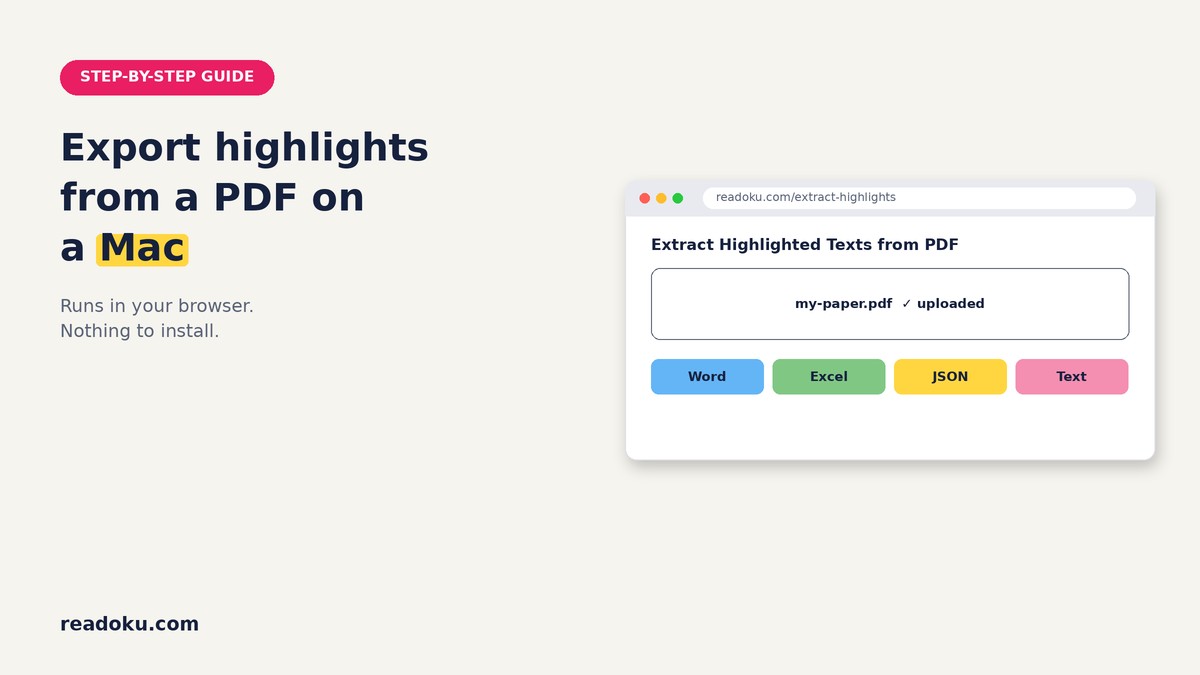
- Open Readoku in your browser. Go to the Extract Highlights page and sign in. There is no app to install.
- Upload your PDF. Choose it from your files. You can add several PDFs at once.
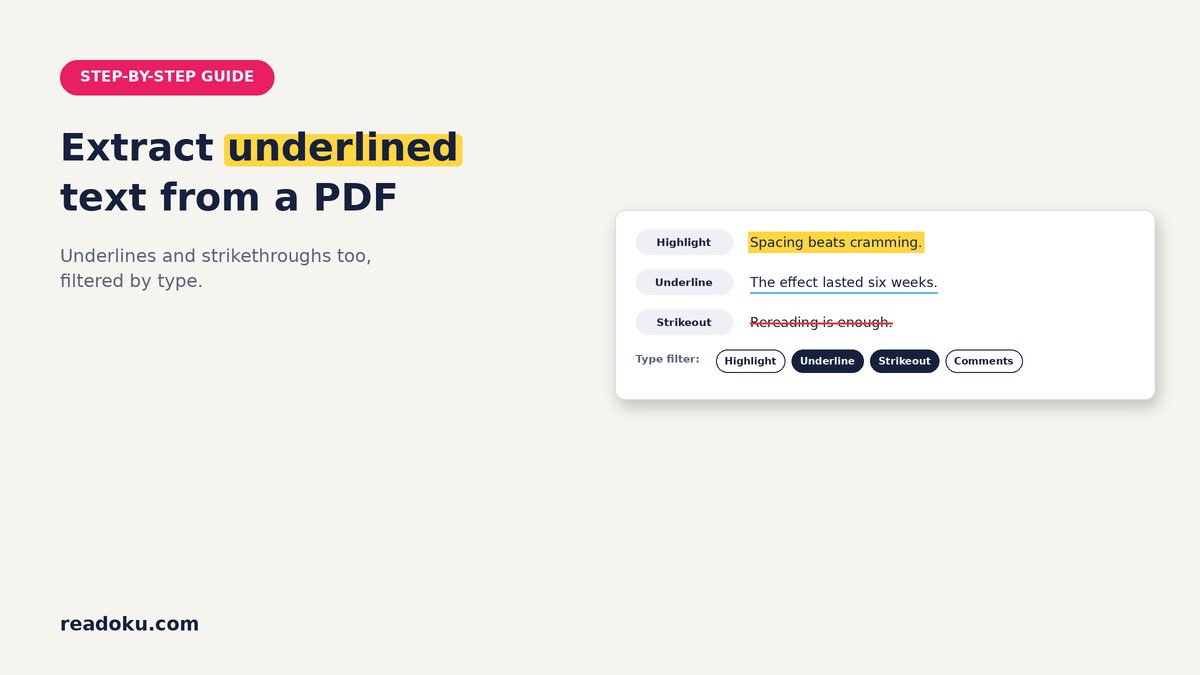
- Filter if you want. Choose colours, or types like Highlight, Underline, Strikeout or Comments.
- Pick a format and download. Your browser saves the file. You can also copy everything to the clipboard.
Which format should you choose?
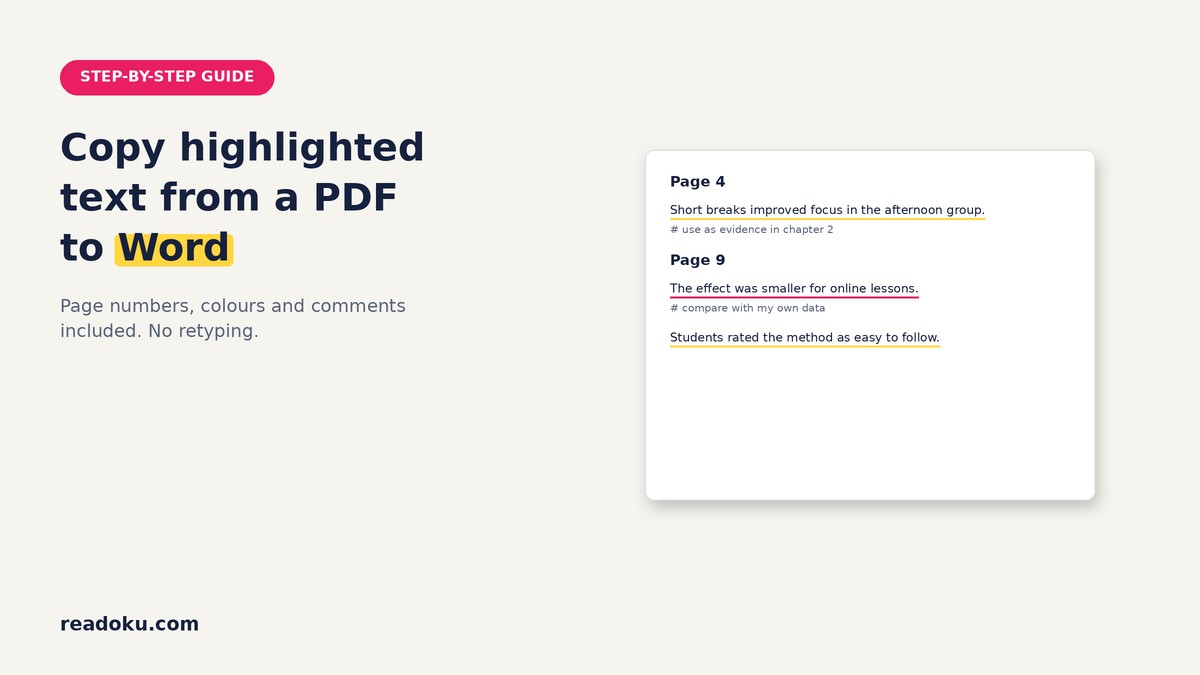
- Word: Quoting in an essay or thesis, with page headings
- Excel: Sorting by page or colour code, one row per highlight
- Text: Quick plain notes
- JSON: Your own scripts or apps
Want more detail? See how to export highlights from a PDF with colour.
Which notes are exported?
- Exported: comments attached to a highlight, underline or strikethrough.
- Not exported: standalone sticky notes placed on the page.
Tip: add your thoughts as a comment on the highlight itself, so they travel with it.
What if your PDF is scanned or marked with a real highlighter?
Tick "Apply OCR for scanned or pen highlighted PDFs." before you upload. OCR finds yellow and pink marker and reads the text under it, in English or German. See how to extract highlighted text from a scanned PDF.
Common mistakes
- Closing the PDF without saving the highlights
- Writing notes as sticky notes instead of comments on highlights
- Uploading a scan without ticking the OCR box
Good to know
- Works in the browser. Nothing to install on your Mac. An internet connection is needed.
- Sign-in required. Free accounts get 3 uploads in total. There is no free trial.
- Formats: Word, Excel, JSON, Text, clipboard, and a ZIP for several PDFs.
- Free accounts can OCR PDFs up to 15 pages; subscribers have no page limit.
- Price: EUR 2/month or EUR 12/year (EUR 1/month, 50% off), with a 14-day refund.
FAQ
Do I need a Mac app to export PDF highlights?
No. Readoku is a web app, so you use it in your browser on macOS.
Can I export PDF annotations from my Mac to Excel?
Yes. Choose the Excel tab. You get one row per highlight with text, page, comment and colour code.
Will highlights from the built-in Mac PDF viewer show up?
Yes, as long as the file is saved. They are stored as standard highlight annotations in the PDF.
Can I export notes from several PDFs at once?
Yes. Upload them together and download one ZIP.
Export your highlights tonight
Open your browser, upload one highlighted PDF and download your notes. Reading many papers? The EUR 12/year plan takes you past the 3 free uploads.